EasyManua.ls Logo

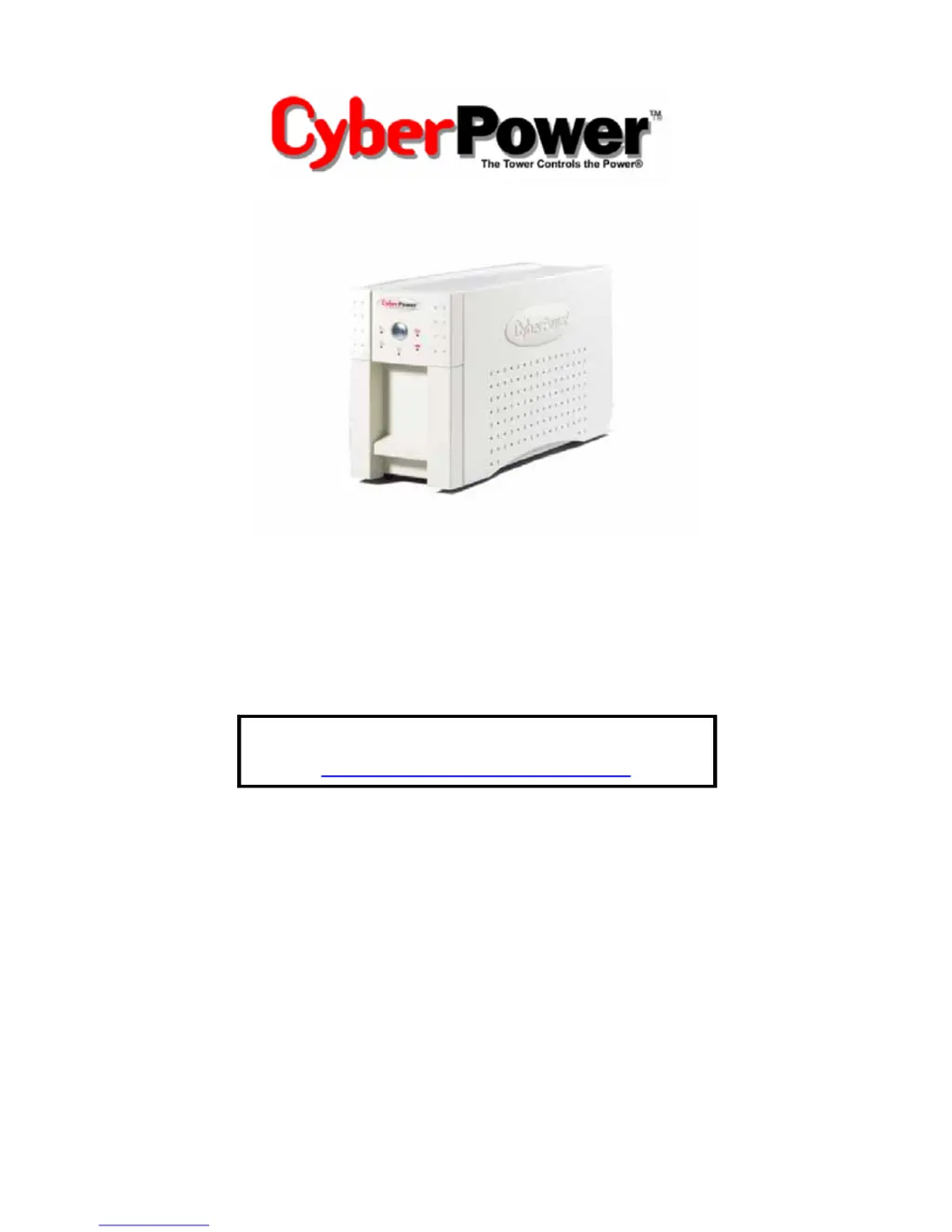
CyberPower UP625 - User Manual

CyberPower UP625
16 pages
Print Icon
To Next Page IconTo Next Page
Loading...
User’s Manual for:
UP625 UPS
UP825 UPS
ADDITIONAL INSTALLATION TIPS CAN BE FOUND AT:
www.cyberpowersystems.com/FAQs.htm

Questions and Answers

  • P
    patriciapalmerAug 8, 2025
    Why my CyberPower UPS will not turn on?
    • M
      martinezrichardAug 9, 2025
      If your CyberPower UPS won't turn on, first, turn the UPS off, wait 10 seconds, and then turn it back on. This addresses a safety feature that prevents damage from rapid on/off cycles. Also, ensure the UPS is properly connected to a 110/120v 60Hz outlet.
  • L
    lthomasAug 25, 2025
    What to do if CyberPower UP625 outlets do not provide power to equipment?
    • J
      johnclementsAug 25, 2025
      If the outlets on your CyberPower UPS are not providing power, the circuit breaker may have tripped due to an overload. To resolve this, turn off the UPS, unplug at least one piece of equipment, wait 10 seconds, reset the circuit breaker, and then turn the UPS back on. Alternatively, the batteries may be discharged; allow the unit to recharge for at least 4 hours.

CyberPower UP625 Specifications

General IconGeneral
TypeStandby
Output Voltage120V
Battery TypeSealed Lead-Acid
Form FactorTower
WaveformSimulated Sine Wave
Transfer Time4-8 ms
Battery Recharge Time8 hours
Surge ProtectionYes
Capacity625VA
Input Voltage120V
Output Frequency60Hz
Outlets6

Related product manuals