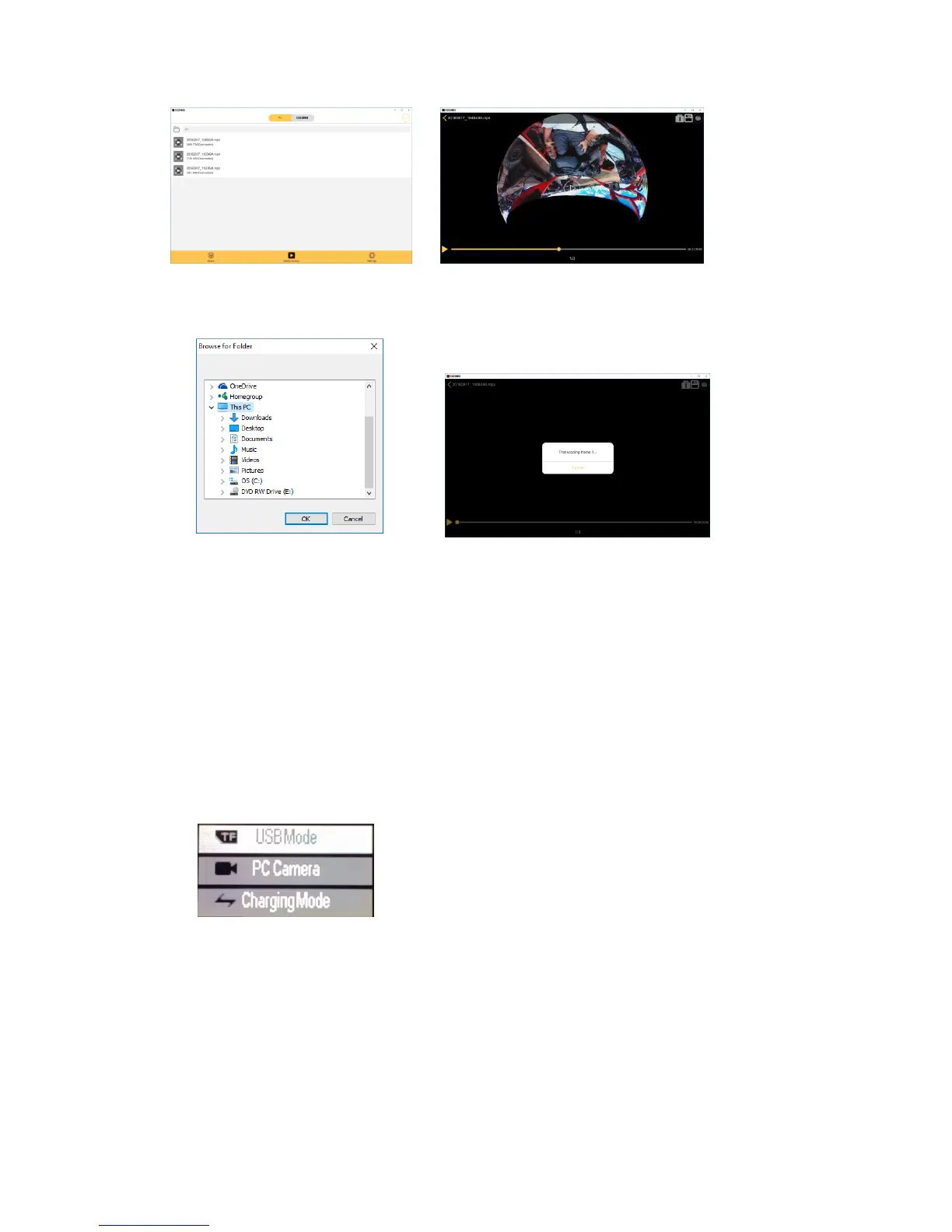
pic1 pic2
pic3 pic4
Connect via HDMI
Connect the camera to an HDMI TV via an HDMI cable. All operations can be
displayed in high definition on an HDMI TV screen.
Note:
Support for preview and playback ONLY, you cannot take videos or pictures.
Playback on PC
Connect the camera to a PC via the provided USB cable. The camera will turn on
automatically and the screen will display: “USB Mode”, “PC Camera”, “Charging
Mode”.
Press Up button or Down button to choose the option, press Shutter button to confirm.
USB Mode: Camera will be used as a removable disk.
PC Camera: Camera will be used as a PC camera.
Charging Mode: Camera can be used normally and be powered by the PC.


 To Next Page