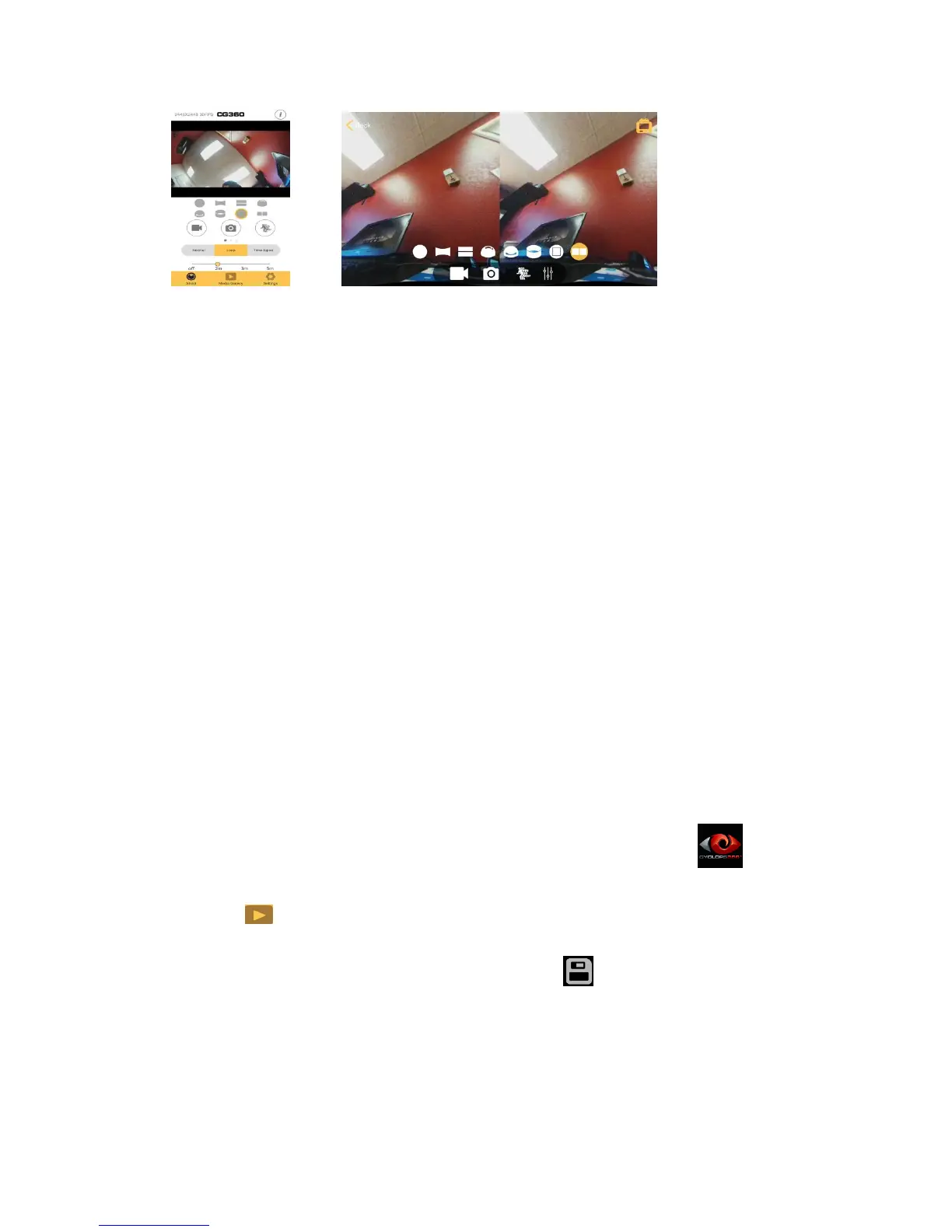
16:9 Standard VR
Application sharing:
The videos and pictures downloaded to the smart phone can be shared by other
applications installed on the smart phone. (COMING SOON) Please refer to
http://www.cyclopsgear.com/get-support/software for software release updates and
related information.
Windows CG360 Desktop Application
Features:
Contains all the standard features of the mobile phone application.
The special video effects can be used on an ordinary video player.
Supports playback offline.
Software Installation:
Download Windows desktop CG360 application to your computer. To find your
compatible version for download, please go to:
http://www.cyclopsgear.com/get-support/software
Operation:
Open the camera’s Wi-Fi function, and connect the camera to the Windows
computer, tablet or PC using the standard Wi-Fi connection by finding the camera
via your Windows Wi-Fi available networks.
Open Windows CG360 desktop application by double clicking on the icon
directly.
Click to enter playback mode, choose the video files you want to transcode.
(refer to pic1)
Play the video with special effects (pic2) and click to save the transcode file
(pic3). It will start the transcode automatically. (pic4)


 To Next Page