MAN0120US rev 16 © Cylon Controls Ltd. 13
USING THE ENGINEERING MODE MENUS
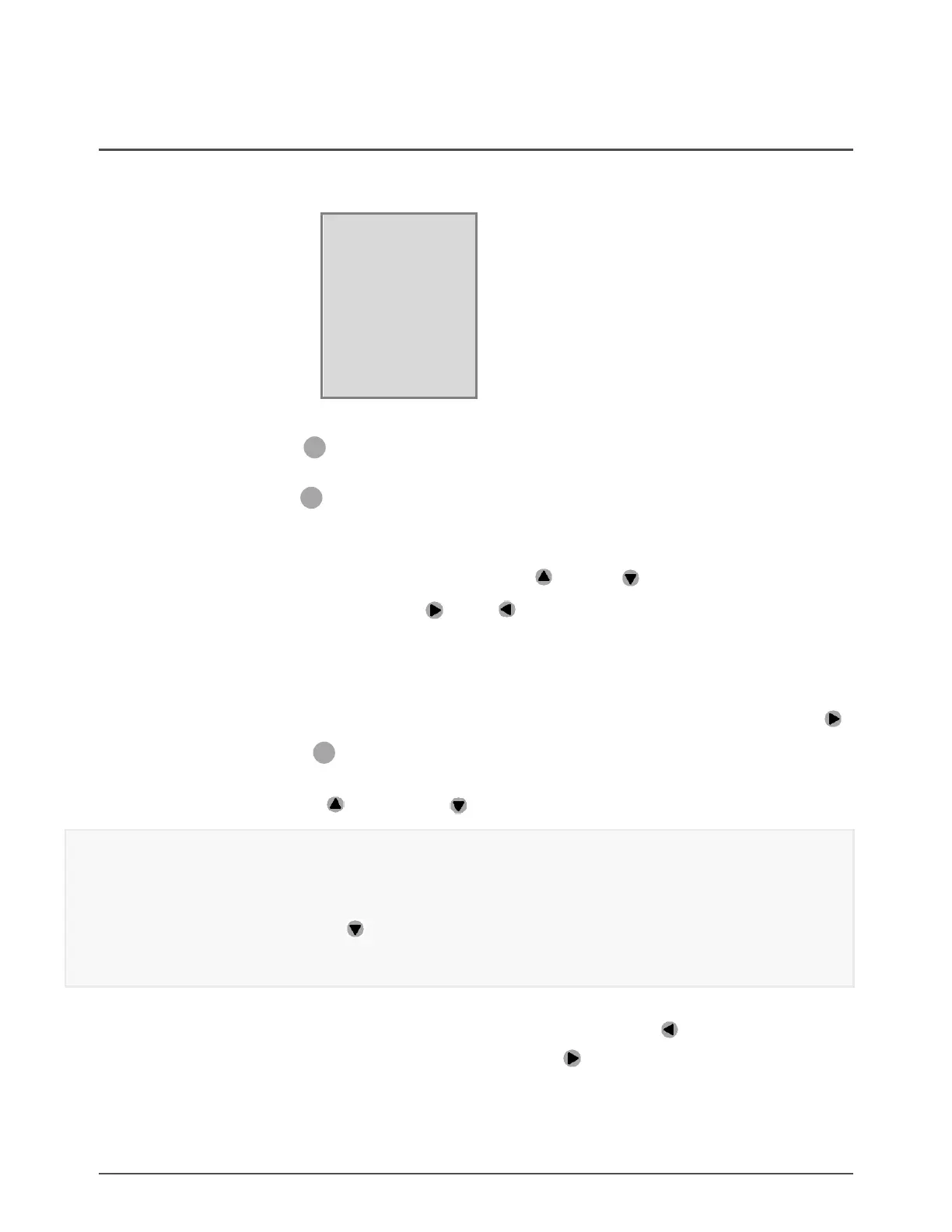
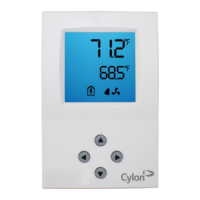
When the correct password is entered, the Engineering Menu page line will be displayed. This is indicated
in the display as follows:
The 1
st
line (large digits)
shows the Page number and Line number of the commissioning parameters (see
Available parameters on page 14).
The 2
nd
line (small digits)
shows the label for the parameter addressed by the current line.
Navigating through the Engineering Menus
To scroll through the lines on the current page, use the the up and down buttons (short press).
To navigate to a different page, use the right and left buttons (short press).
Editing a parameter
To view or edit the value of the parameter on the current line, press and hold (“long-press”) the right button .
The 2nd line (small digits) will change to show the current value for that parameter, with either the right-
most character (when the value is a number) or the whole text (when the value is an option label) flashing.
• Press the up button or down button to change the value of the flashing digit or label.
Note: In the case of digits, this is not a simple change to the digit itself, but an addition or subtraction
(from the full parameter value) of the value represented by that specific digit.
For example, if the value is +127, then the left-most digit (“1”) represents 100. If that digit is
selected, then the down
button will first change it to +027 (subtract 100 from 127), then
another press of the Down button will change it to -073 (subtract 100 from 27).
• Use the left and right buttons to move between digits
• To reset the parameter to its default value, press and hold the left button
• To apply the edited value, press and hold the right button


 To Next Page