MAN0120US rev 16 © Cylon Controls Ltd. 9
How to adjust the Temperature Setpoint
If the Controller’s Strategy has been configured to permit it, the user can adjust the Temperature setpoint or occupancy status.
• Press any button so that the temperature setpoint is displayed on the second line, with a flashing unit symbol.
• Press the up button or down button
to adjust the setpoint value by the span defined in the Controller’s configuration,
until the desired temperature setpoint is displayed.
• The right button can also be used to request the Strategy to override the schedule and force occupancy mode. Permit
Occupancy Override must be enabled in the controller configuration.
Operation Mode
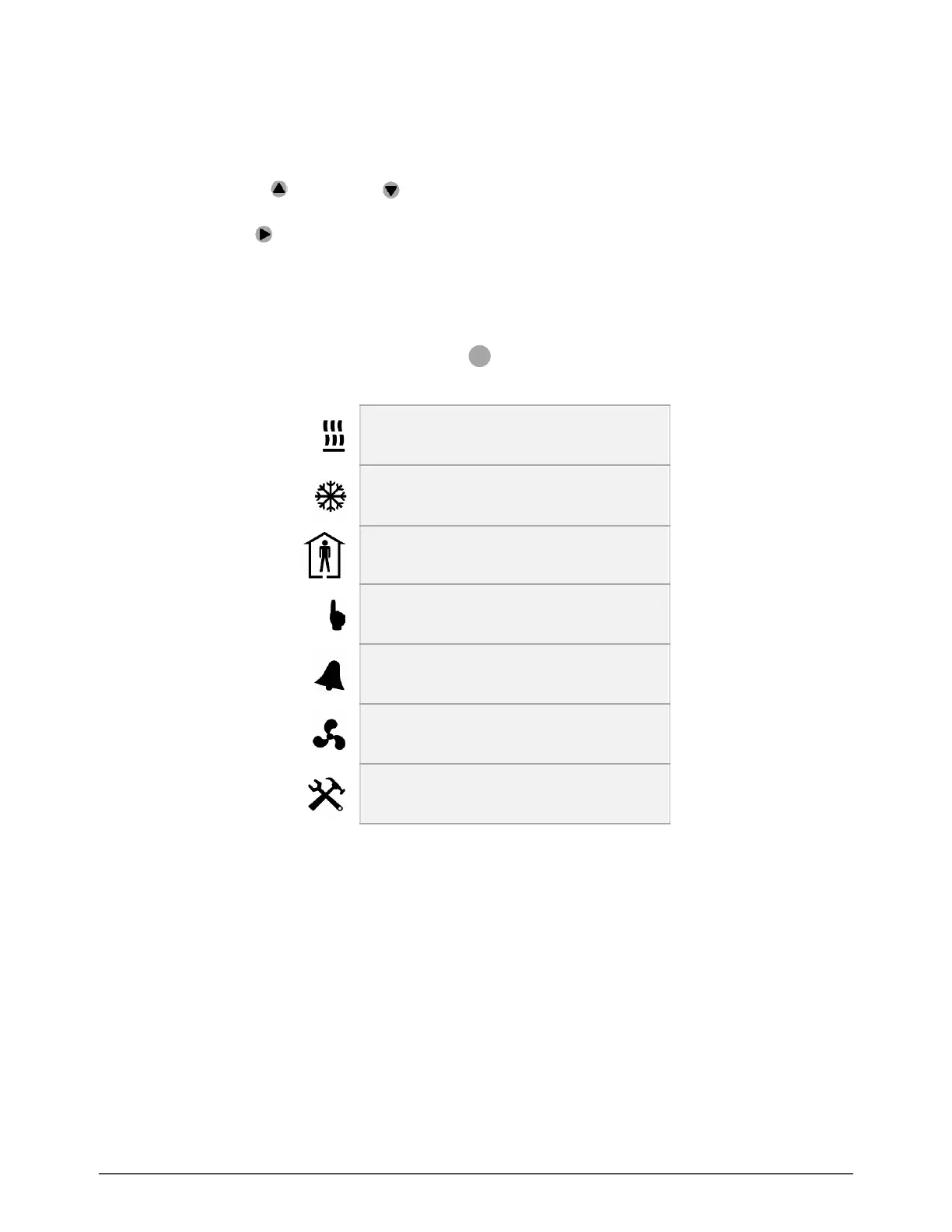
At the bottom of the display there is a line of icons
that give information about the current operation of the
CBT12iVAV or CBT14 Unitary Controller’s Strategy:


 To Next Page