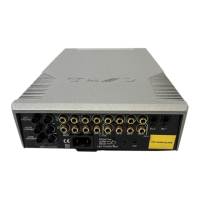
Cyrus DAC XP+ User Instructions
11
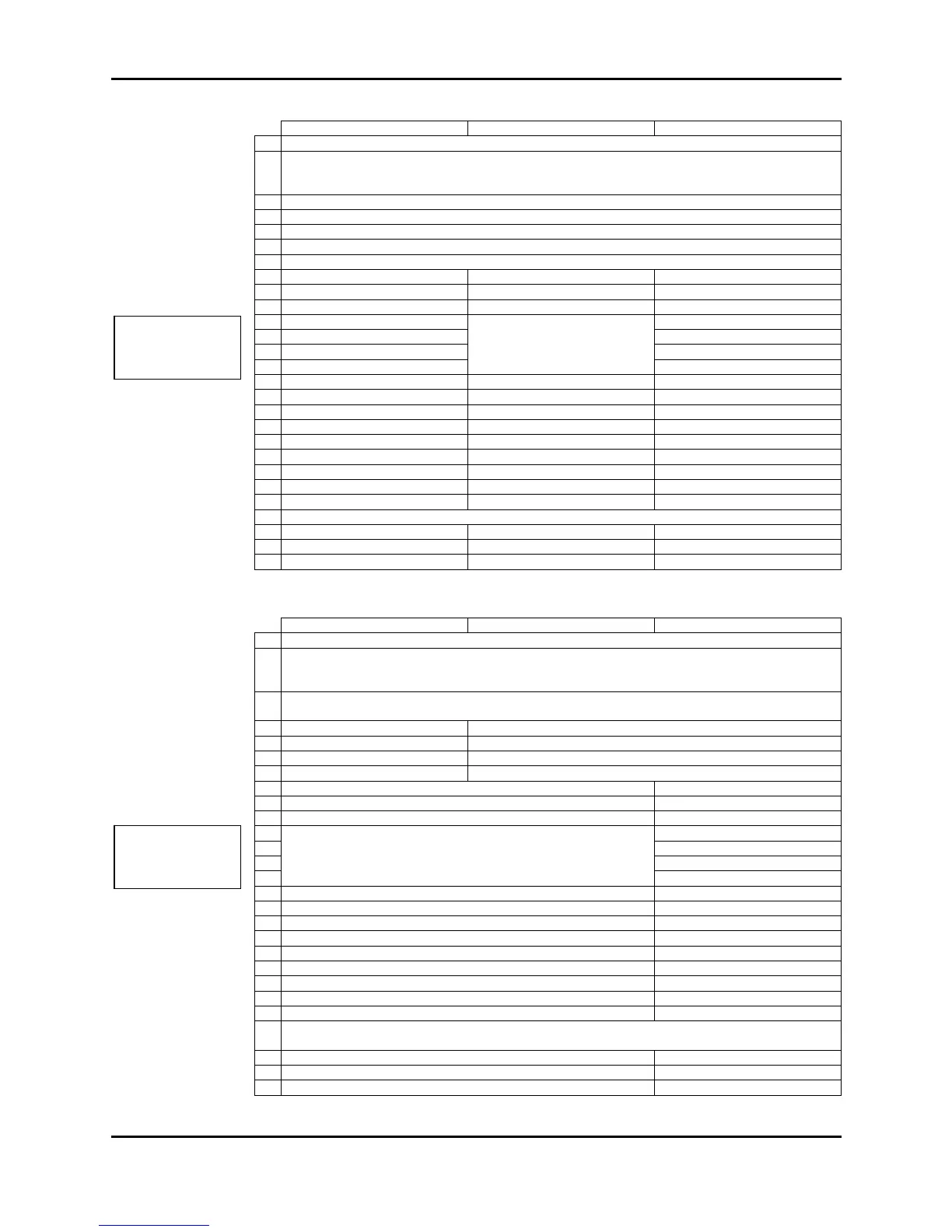
CD MODE DAB MODE
V COMMAND MODE SELECT
DAC XP+, CD, DAB, FM tuner, DVD power on
DAC XP+ input select
3
V SURROUND COMMAND MODE SELECT
see table below
4 DAC XP+
8 - Select station on displa
Display next/previous station
11 Next track
Cursor keys for navigating the on-
screen menu options
Next preset
15 - OK key to select menu options
Play/pause for replay from memory card
see table below
25 - Record to memory card
-
26 - DAB/FM/Memory card band select
-
27 - Mono/stereo when playing FM
*early Cyrus CD players will respond to Play/Stop only
AV (DVD & amp) MODE
2
CD, DAB, TU or AV COMMAND MODE SELECT
DAC XP+, CD, DAB, FM tuner, DVD power on
DAC XP+ input select
3
DVD and Surround decoder power on
4 DAC XP+ input select +/-
Surround decoder input select +/-
5 DAC XP+ balance mode
-
6 DAC XP+ volume control
Surround decoder volume control
7 DAC XP+ mute
Surround decoder mute
8 DVD Quick access zoom
-
9 DVD Quick access angle
-
10 DVD Next/previous chapter/title
Decoder Night & DSP functions
11
Cursor keys for navigating the DVD on-screen menu options
-
12
dj -
15 OK key to select DVD menu options
-
16 DVD On-screen displa
-
17 DVD transport functions
-
19 DVD Chapter/title direct access
-
21 DVD Title or Chapter mode
Surround decoder power on
25 -
DAC XP+, CD,
DAB and FM tuner
commands
DAC XP+, DVD
and AV -Surround
commands



 To Next Page