EasyManua.ls Logo

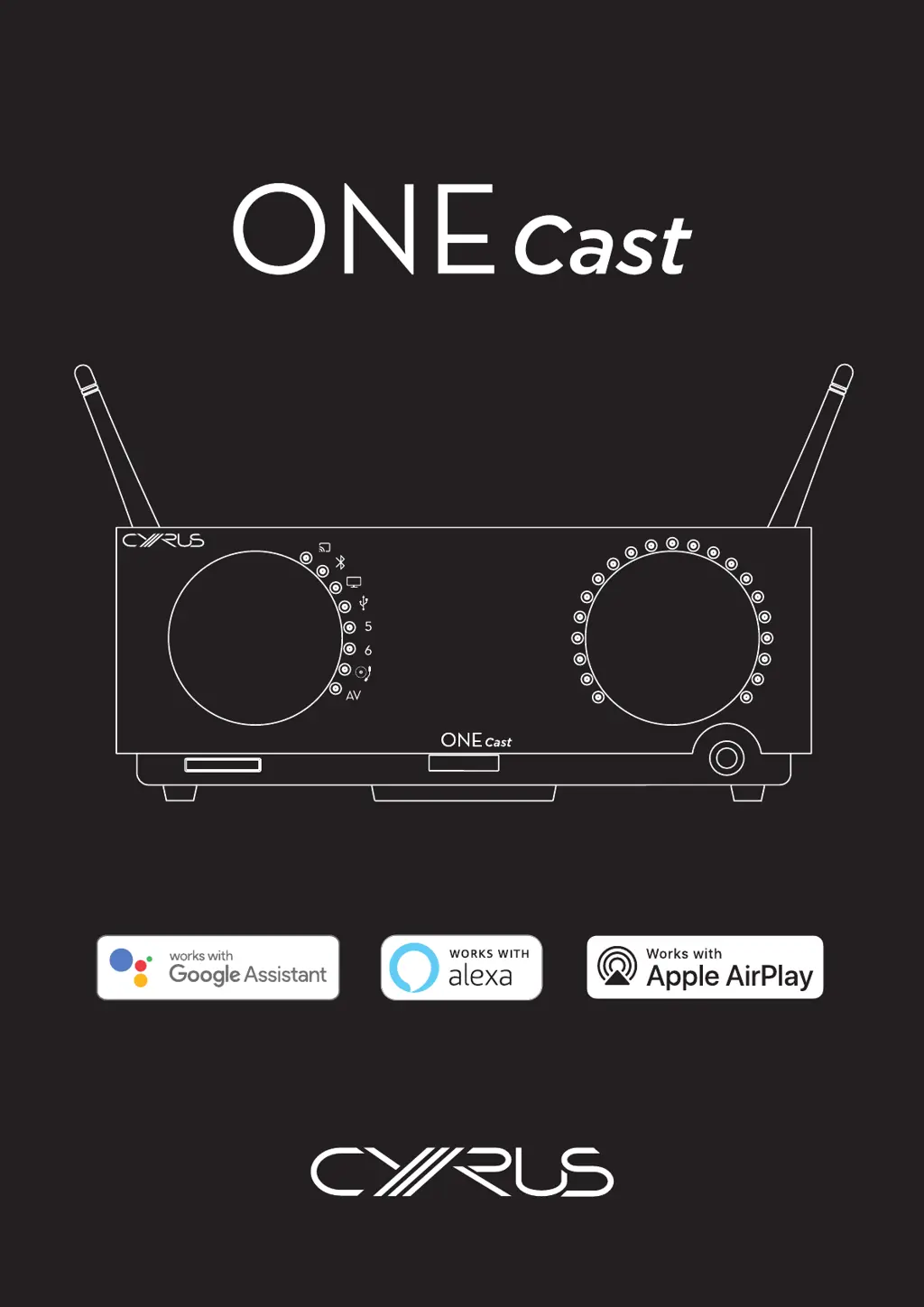
Cyrus ONE Cast - User Manual

Cyrus ONE Cast
37 pages
Print Icon
To Next Page IconTo Next Page
Loading...
This ONE Cast is compatible
with AirPlay 2.
iOS 11.4 or later is required.

Table of Contents

Questions and Answers

  • J
    Jessica ThomasJul 27, 2025
    How to troubleshoot sound problems with Cyrus Media Converter?
    • M
      Matthew WelchJul 28, 2025
      If you are experiencing sound issues with your Cyrus Media Converter, ensure the volume is appropriately adjusted. Verify that the correct source is selected and actively playing, not paused. Also, confirm that the mute function is disabled, indicated by a flashing minimum volume. If the problem persists, try playing a different source to isolate whether the issue stems from the original source or its connection. Disconnecting and reconnecting the Cyrus ONE Cast from the main power may also resolve the problem. Lastly, check all connections from sources and speaker connections to ensure they are secure.
  • K
    Kaitlyn YoungAug 6, 2025
    What to do if there is no sound when playing Bluetooth audio on Cyrus Media Converter?
    • H
      haaspamelaAug 6, 2025
      If your Cyrus Media Converter isn't producing sound via Bluetooth, first ensure the source selector is correctly positioned. Check the indicator light: if it's steadily white, the Media Converter is connected, so confirm music is playing and not paused on your device. If the indicator flashes, no Bluetooth source is connected; go to your device's Bluetooth settings, ensure Bluetooth is on, and pair with the Cyrus Media Converter. If pairing fails, clear the Bluetooth memory by holding the button on the remote until the indicator double-flashes, then try pairing again. Also, remember that only one mobile can be connected at a time, so disconnect any other connected mobiles.
  • J
    Jacob ScottAug 17, 2025
    Why is there no sound when streaming audio via Wi-Fi on my Cyrus ONE Cast?
    • J
      Johnny Spencer DVMAug 17, 2025
      If you're encountering no sound while streaming audio via Wi-Fi on your Cyrus Media Converter, examine the status indicator light. A white light indicates your mobile is connected; ensure it's the correct mobile and that music is playing, not paused. A green light means the Media Converter is connected to Wi-Fi, awaiting a music stream; initiate music playback from your mobile app, selecting the Media Converter as the playback device. A yellow light suggests a network issue; verify your network's internet connection via a mobile or computer. If the internet is functional, consult page 13 for ONE Cast setup instructions.

Summary

Important Safety Information

General Safety and Handling Precautions

Covers essential safety warnings including electrical shock, cleaning, environment, heat, ventilation, liquid entry, accessories, attachments, power sources, cord protection, naked flames, lightning, batteries, polarization, mains plug, and hearing damage.

Servicing and Product Care

Servicing Requirements and Procedures

Details when to seek professional servicing, replacement parts, safety checks, and product service centre information.

Legal and Compliance Information

WEEE Disposal and Trademark Notices

Explains WEEE disposal, CE marking, and legal notices regarding trademarks for Bluetooth, Google, Amazon, and Apple.

Legal and Compliance Information

FCC Compliance Statement

Provides FCC compliance information for digital devices, including interference guidelines and user actions.

Introduction to Cyrus ONE Cast

Welcome and Product Capabilities

Welcomes users and outlines the versatile features of the ONE Cast amplifier for smart home audio systems.

Installation Preparation Checklist

Lists items to check in the accessory box and advises on proper installation location for ventilation.

Installation Guide

Back Panel Connections Overview

Identifies and labels all connection ports and features on the rear panel of the ONE Cast.

Installation Guide

Connecting Audio Sources and Speakers

Guides on connecting turntables, digital audio, HDMI (ARC), USB audio, analogue sources, speakers, and mains power.

Controls and Features

Front Panel Controls Identification

Illustrates and labels the main controls and indicators on the front panel of the ONE Cast.

Controls and Features

Front Panel Operations

Explains the functionality of front panel controls: Standby, indicator lights, input selection, volume, and headphone socket.

Controls and Features

Remote Control and Battery Management

Details remote control features, battery fitting/replacement, and proper battery disposal.

Controls and Features

Standby and Control Lock Functions

Describes how to use the Standby button and explains the Control Lock feature for preventing accidental operation.

Controls and Features

Remote Control Operations

Explains how to use the Volume, Mute, Balance, Input Select, and Indicator Brightness functions via the remote.

Setting Up Your Wi-Fi Connection

Wi-Fi Setup Options and Requirements

Outlines the two Wi-Fi setup options (full tech, AirPlay only), necessary equipment, and broadband usage considerations.

Setting Up Your Wi-Fi Connection

Full Wi-Fi Setup Procedure

Guides through preparation, setup, and completion steps for full Wi-Fi configuration using Google Home.

Setting Up Your Wi-Fi Connection

AirPlay Wi-Fi Setup Procedure

Details preparation, factory reset, and setup steps for connecting the ONE Cast using Apple AirPlay.

Setting Up Your Wi-Fi Connection

Integrating with Amazon Alexa

Explains setting up the ONE Cast with Amazon Alexa, including Nuvola skill, UNDOK app, and Alexa app configuration.

Operating Your ONE Cast

Playing Music via Google Cast

Covers using Google Cast for music playback, including how casting works, compatible apps, setup checks, playing music, volume, and dynamic range.

Operating Your ONE Cast

Google Cast Voice Control and Speaker Groups

Explains voice control for ONE Cast via Google Home app and other devices, including setting up speaker groups.

Operating Your ONE Cast

Playing Music via Apple AirPlay

Details playing music via AirPlay, including system integration, preparation, playback, volume, and playback controls.

Operating Your ONE Cast

Siri Voice Control and Multi-Room AirPlay

Guides on using Siri voice commands with ONE Cast in Apple Home and setting up multiple AirPlay speaker systems.

Operating Your ONE Cast

Playing Music via Amazon Alexa

Explains playing music using Amazon Alexa, covering playback, volume, voice commands, and multi-room audio limitations.

Operating Your ONE Cast

Bluetooth Audio Playback Guide

Covers pairing, connecting, disconnecting, clearing Bluetooth memory, playing music, and volume control for Bluetooth audio sources.

Operating Your ONE Cast

Connecting and Playing Various Audio Sources

Details playing audio from turntables, analogue, digital, USB audio, DSD audio, and HDMI (ARC) sources.

Operating Your ONE Cast

Advanced AV Direct Mode Operation

Explains the AV Direct mode for using ONE Cast as a front channel amplifier for home cinema systems.

Resetting Your ONE Cast

Factory Reset Procedures

Describes how to perform a factory reset using optional or automatic methods to clear settings.

Firmware and Software Updates

Automatic Firmware Update Process

Explains the automatic firmware update process, including first use, routine updates, priority updates, and update indications.

Troubleshooting Common Issues

No Sound and Basic Troubleshooting

Addresses common no sound problems, including basic checks, Wi-Fi streaming, and Bluetooth audio issues.

Troubleshooting Common Issues

Audio Source and Speaker Sound Problems

Covers troubleshooting for digital inputs, HDMI audio, speaker issues, and vinyl turntable problems (distortion, volume, hum).

Troubleshooting Common Issues

Operational and Control Issues

Addresses operational issues like occasional standby, unresponsive front panel controls, and remote control problems.

Troubleshooting Common Issues

Wi-Fi Setup and Streaming Connectivity Problems

Helps resolve problems with Google Home Wi-Fi setup, Apple AirPlay device listing, and audio streaming interruptions.

Troubleshooting Common Issues

Diagnostic System and Error Code Resolution

Explains the diagnostic system, error displays, types, clearing errors, and specific error messages (PSU, Output, Over-temperature, System).

Specifications and Warranty

Detailed Product Specifications

Lists detailed technical specifications for power, enclosure, analogue audio, digital audio, and USB audio performance.

Warranty Terms and Conditions

Outlines the warranty period, terms, claim procedures, and common exclusions for warranty service.

Cyrus ONE Cast Specifications

General IconGeneral
Digital InputsOptical, Coaxial, USB
Analogue InputsRCA
ConnectivityBluetooth, Wi-Fi, Ethernet
Streaming ServicesSpotify Connect
Amplifier Power100W (into 6 Ohms)
InputsOptical, Coaxial, USB
OutputsHeadphone out
Dimensions85 x 220 x 390mm

Related product manuals