IV. Firmware Upgrade
4.1“CZI Sound” APPFirmware Upgrade
4.1.1 App download website: www.czi.com.cn;
4.1.2 Connect the power supply to the ground end of TK3, turn on the air
switch;
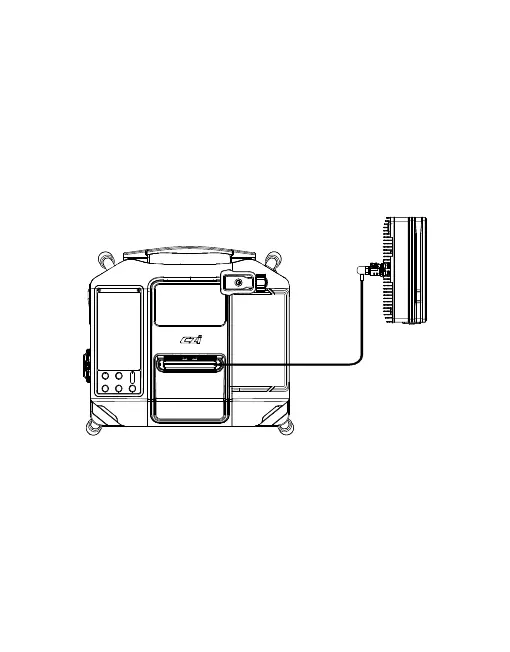
4.1.3 Insert the high voltage cable of TK3 ground end into the drone end,
press and hold the “Power switch” for 3S to turn on the power output. (The
drone end can not be installed on the UAV), as shown in the figure.
74



 To Next Page