Home
Czi
Power Supply
TK3
Page 82
Czi TK3 - Page 82
96 pages
Manual
Save Page as PDF
To Next Page
To Next Page
To Previous Page
To Previous Page
Loading...
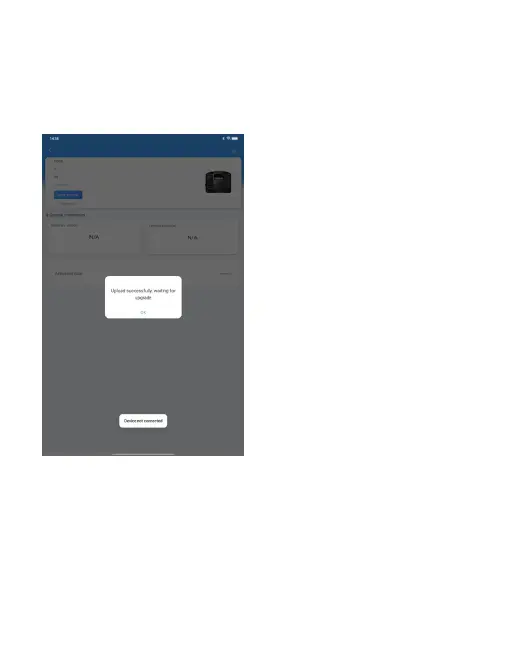
4.1.9
Upload
successfully,
click
“Confirm”.
4.1.10 After
the
firmware finishing
uploading, wait for
the ground
end
display screen to turn off
and restart,
and the
upgrade is completed.
78
81
83
Table of Contents
Main Page
Table of Contents
3
一、免责声明与警告
4
二、Tk3供电系统介绍
4
三、Tk3供电系统安装和使用教程
9
四、固件升级
32
五、产品保养与维修
43
Disclaimers and Warnings
49
Introduction to TK3 Power Supply System
49
Installation and Use Course of TK3 Power Supply System
54
Firmware Upgrade
78
Product Maintenance and Repair
89
Product Maintenance
91



 To Next Page