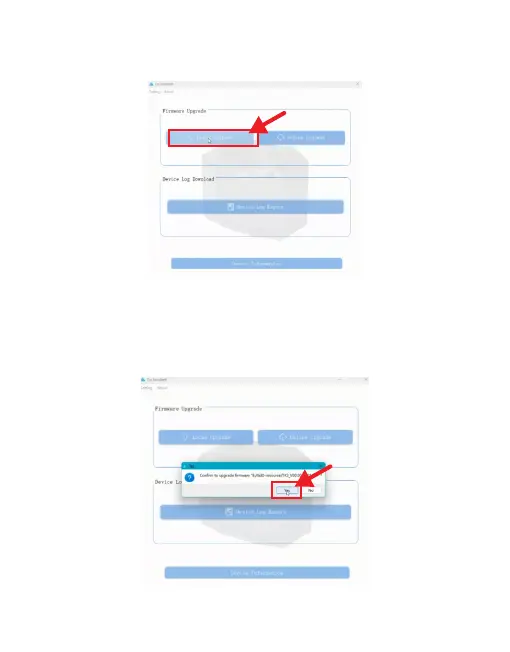
4.3.5 Click “Firmware Version File”, for example TK3_XXX.bin file.
4.3.6 Click “Yes” in the pop-up window, as shown in the following figure.
4.3.4 Enter the main interface of “CziAssistant” APP, click “Offline Upgrade”,
as shown in the following figure.
83



 To Next Page