CZUR TECH CO., LTD.
CHARPTER 1. INTRODUCTION
1.1 SUMMARY
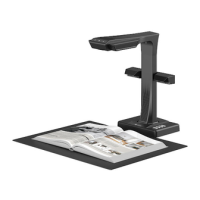
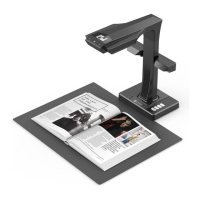
Czur scanner is a new type of intelligent scanner, suitable for
enterprise users,industry customers,professionals, home and
personal. Czur scanner can quickly scan files, books, documents,
forms, bills, certificates, business cards, objects, etc.
Equipped with MIPS CPU (millions of instructions per second), HD
sensor, laser line and other high-end configuration, Czur scannerr
can provide HD and gorgeous image quality for users. Czur
scanner supports three working modes, including Wireless
Network (Wi-Fi), PC (USB), Visual Presenter (HDMI).
Czur scanner’s intelligent software, with core algorithm, can
automatically handle the complicated work, including flattening
curve, erasing fingerprint, smart paging, correcting position and
edge cutting. Czur scanner provides users the rich and colorful
scanning effect and completely changed the concept of
traditional scanners. Czur scanner shows a new concept of
intelligent modern scanners, presented a smart, efficient,
energy-saving office device for users.
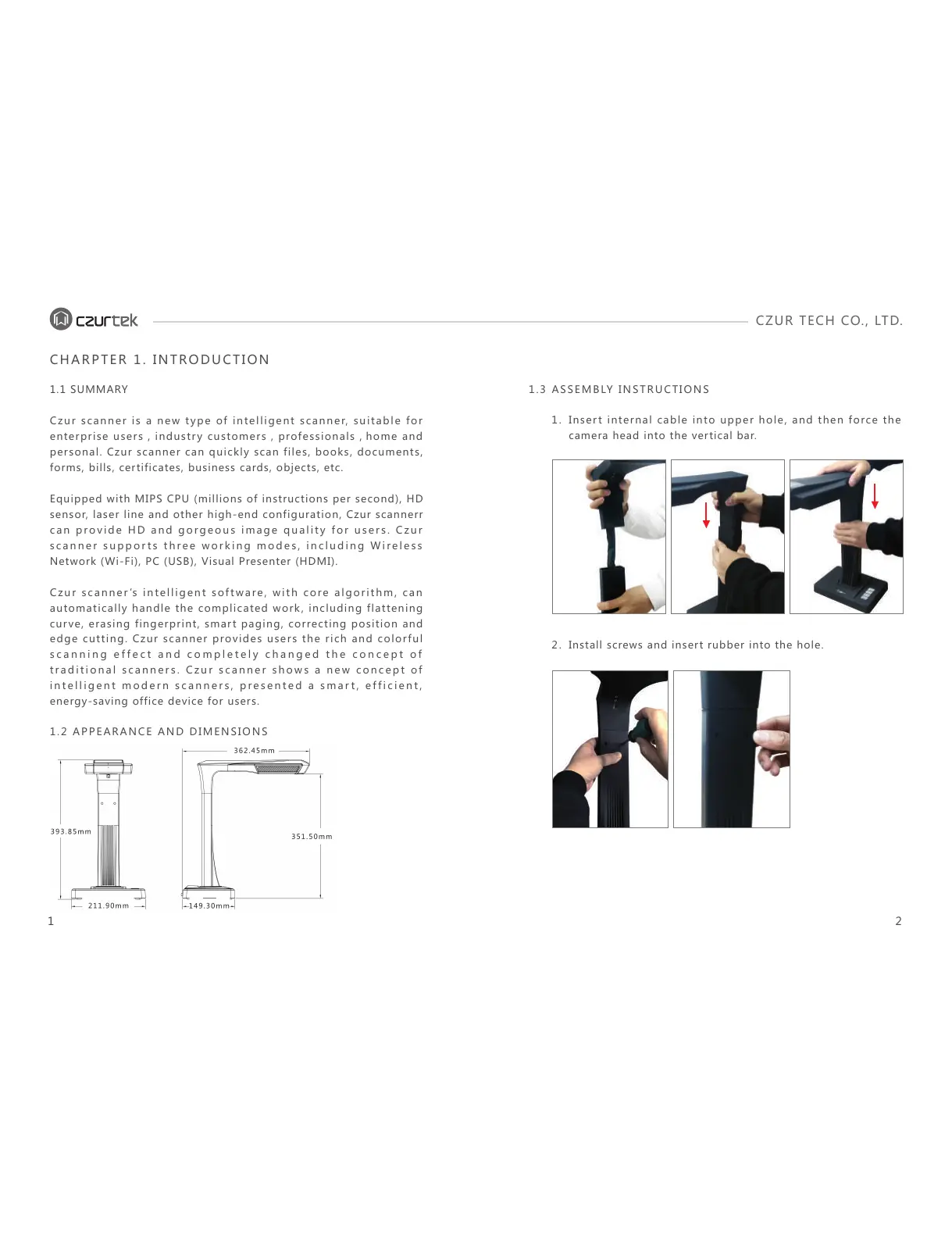
1.2 APPEARANCE AND DIMENSIONS
Insert internal cable into upper hole, and then force the
camera head into the vertical bar.
1.
Install screws and insert rubber into the hole.2.
1.3 ASSEMBLY INSTRUCTIONS
1 2


 To Next Page