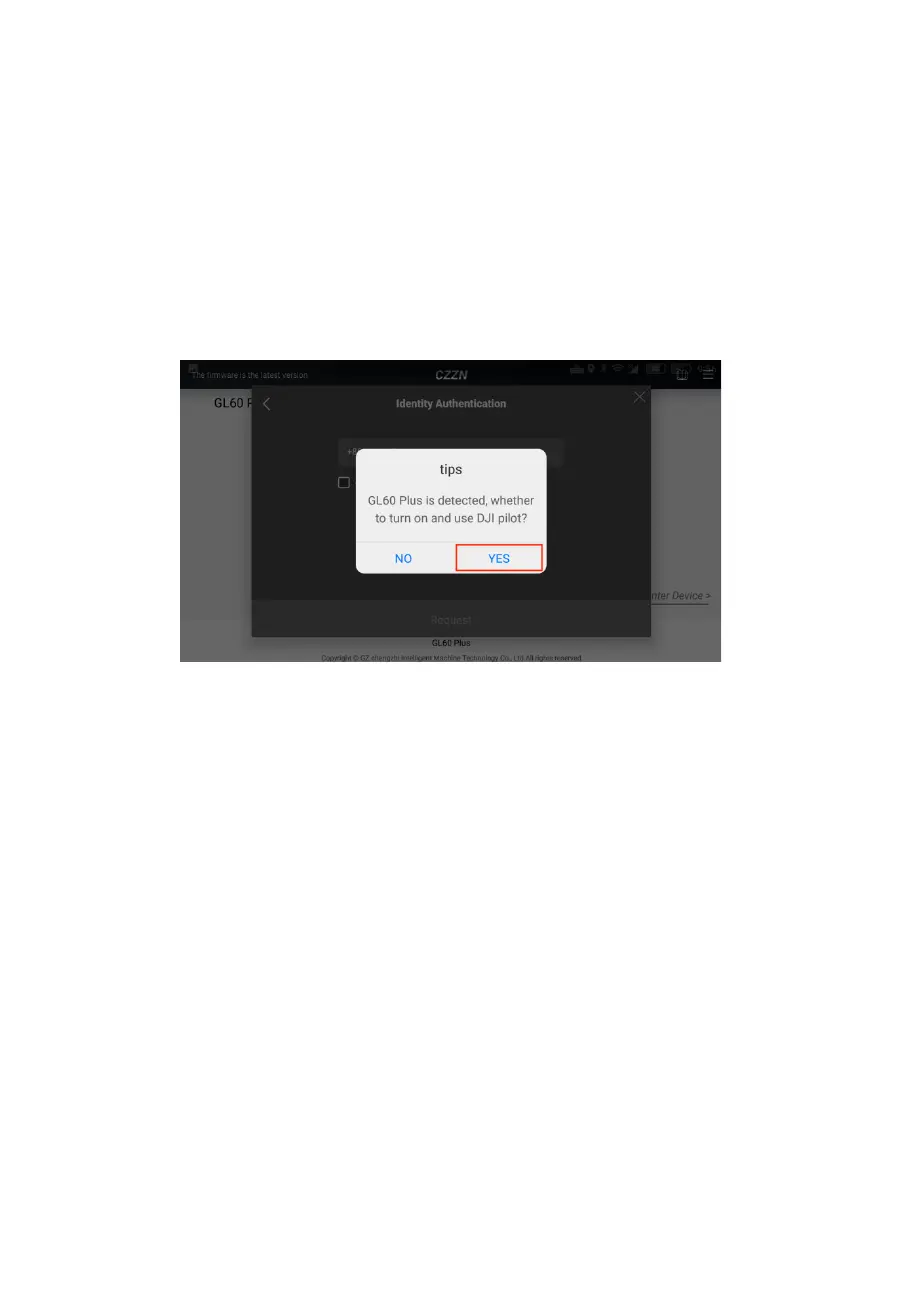
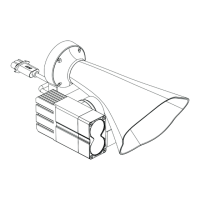
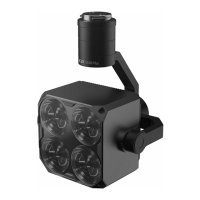
3, (correctly install the GL60 Plus gimbal searchlight) to
enter the main interface, pop up notice "detected GL60
Plus, whether to open and use DJI Pilot", click to confirm,
to enter the DJI Pilot main interface, and open
the hovering dialogue window.
1. switch to the main interface of DJI Pilot APP. The
wording GL60 Plus is displayed in the lower left
corner, indicating that the GL60 plus gimbal
searchlight loading is successfully identified; on the
interface, the blue virtual button is the hovering
window for options. Click on manual flight.


 To Next Page