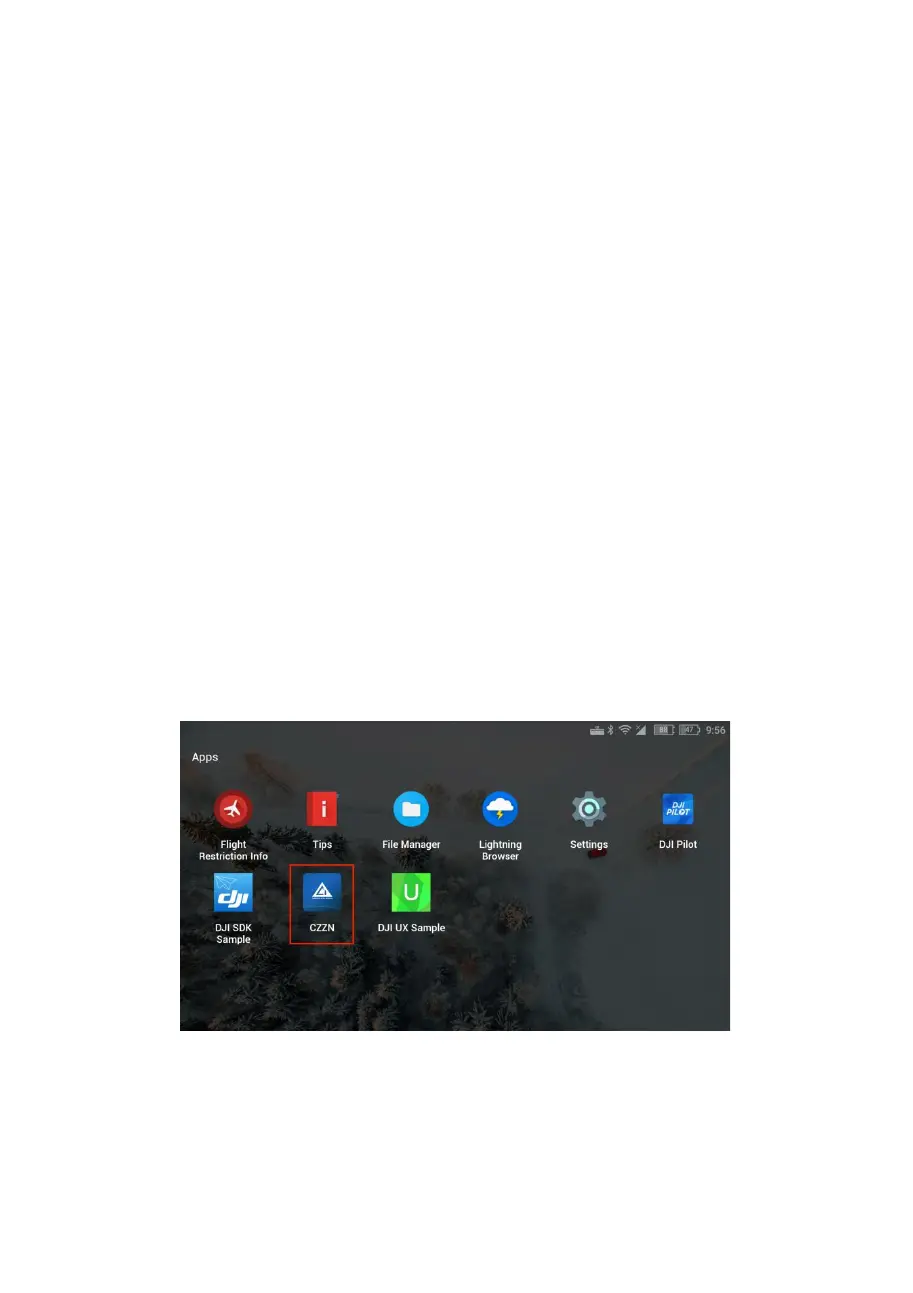
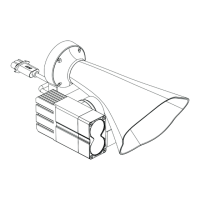
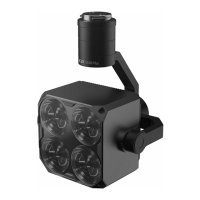
V. CZZN APP installation and use tutorial
1、Download the CZZN APP and copy it to a flash disk,
and install it on DJI remote control, to get the
installation package.
① Go to the official website
http://en.gzczzn.com/?lg=1
to download CZZN APP and copy it to your flash disk or
TF high-speed card.
②Use the CZZN APP installation package already in the
TF high-speed card or flash disk.
2、Click CZZN to enter the software interface.


 To Next Page