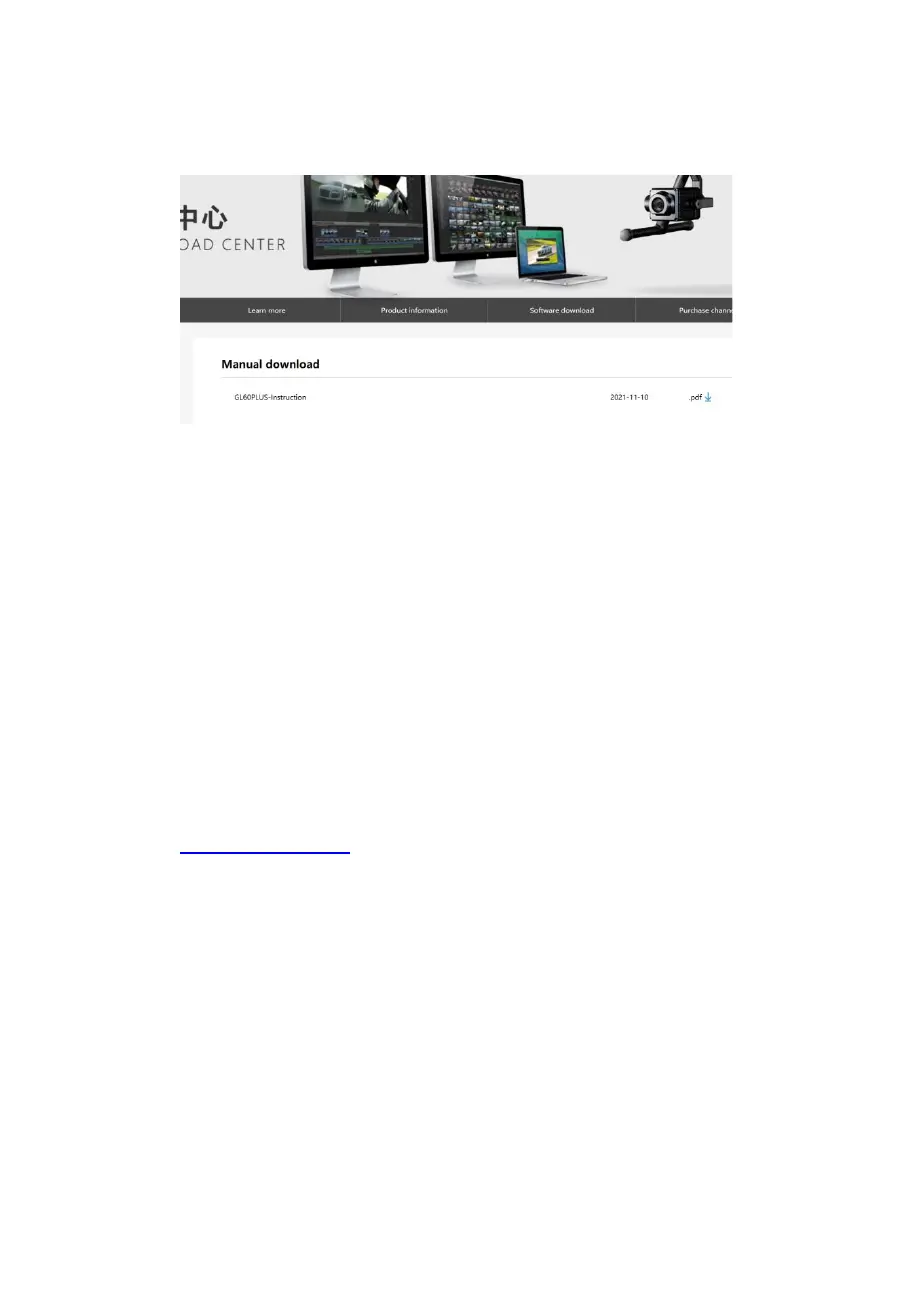
4, download the firmware and save in TF card, inserted
the TF card into the GL60 plus TF card slot; connect the
drone and the GL60 plus, the GL60 plus runs into the
re-calibration status, wait a few seconds to complete
the update operation.
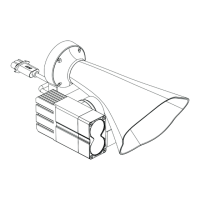
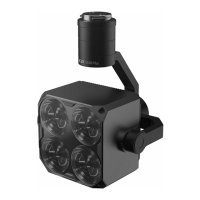
To learn about the firmware update of GL60 Plus gimbal
search light or to download the latest version of
firmware, please follow the official website of CZZN:
www.gzczzn.com
If you encounter a drone firmware update that causes
the GL60 plus not working properly, please contact your
local agent or the manufacturer ASAP.
ChengZhi Technical Support


 To Next Page