Open Limit Programming
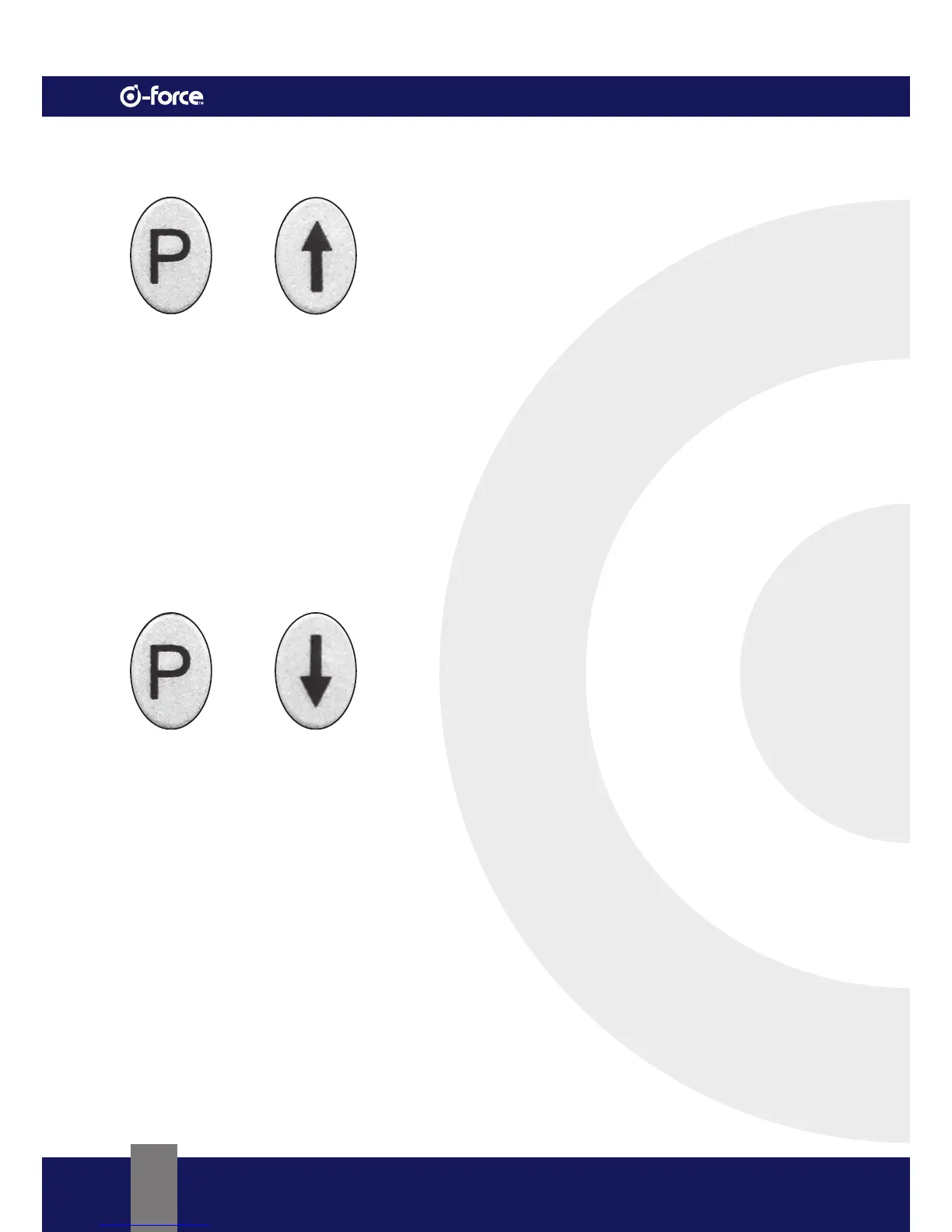
•Press the “P” Button for ±3 seconds until the “↑” LED flashes.
•Release the “P” Button.
•Press and hold the “↑” Button.
•Keep pressing until the desired opening position has been reached.
•Fine tuning can be obtained by pressing the “↑” or the “↓” Button.
•Press the “P” Button to store the desired open position.
• “↑” LED flashes briefly
• “↓” LED starts flashing indicating “Close Limit Programming” can be set.
Close Limit Programming
• While “↓” LED is flashing
•Press and hold the “↓” Button
•Keep pressing until the desired closed position has been reached.
•Fine tuning can be obtained by pressing the “↑” or the “↓” Button.
•Press the “P” Button to store the desired closed position.
• “↓” LED flashes briefly
• The opener will now perform a Self Test Cycle opening and closing the door automatically.
•During the Self Test Cycle the opener will test the torque and force needed to operate
the door safely.
•The “P” LED will be on indicating the programming mode is complete and the opener is in normal
operating mode (Standby Mode).


 To Next Page