Adjust Obstruction Sensing and Force - not recommended
IMPORTANT
Force and Obstruction Sensing
The higher the force is set the less sensitive the motor will be at sensing an obstruction
while the opener is opening or closing the door.
Obstruction sensing should be set at the most sensitive setting to ensure the operating safety of the
door. The force should therefore be set as low as possible, enough for the door to operate smoothly
without stopping during operation.
There are 4 settings for the opening function and 4 settings for the closing function.
NOTE : One Flash indicates the minimum force setting.
•The minimum force setting should always be used, most importantly in the door closing setting.
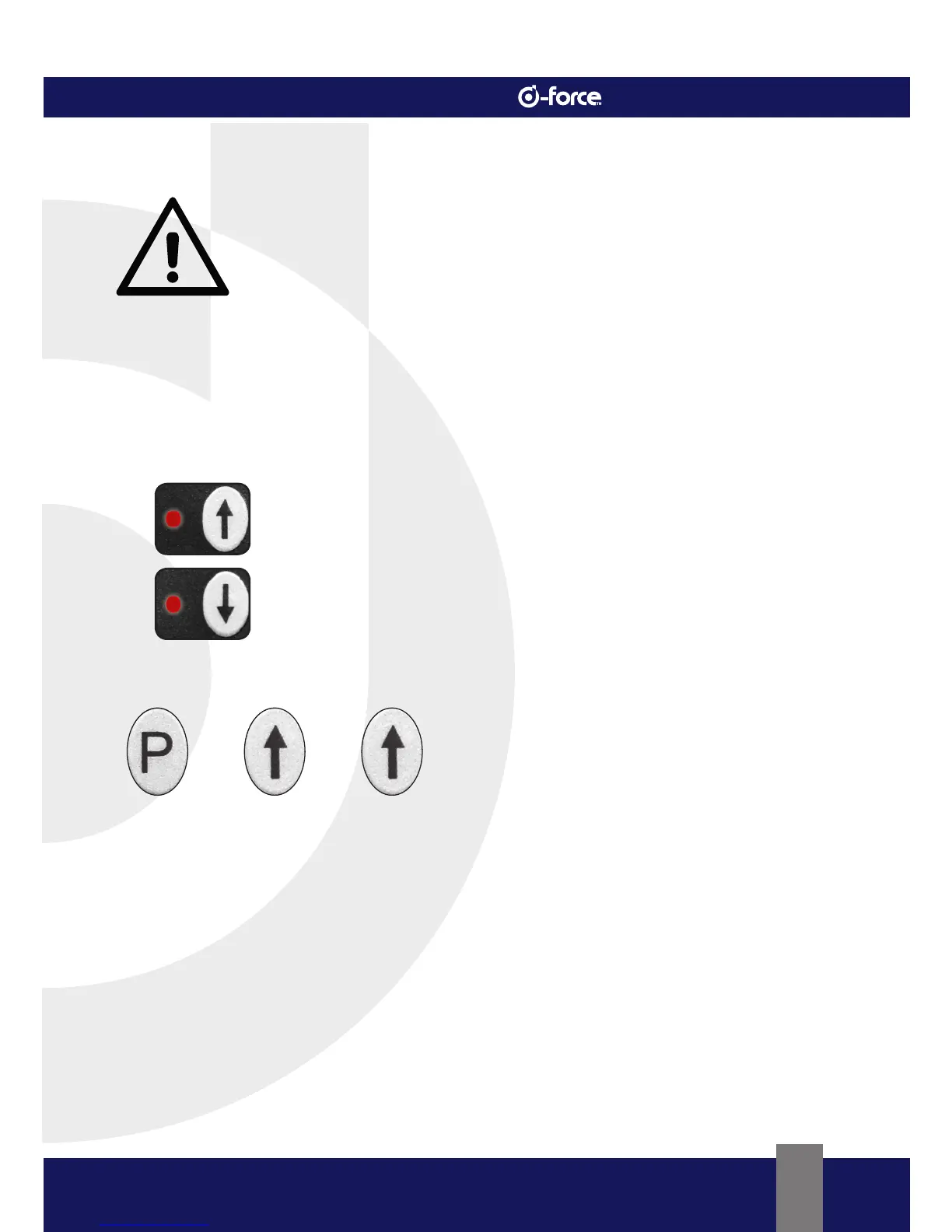
The “↑” LED indicates the force set for the door in the opening direction.
The “↓” LED indicates the force set for the door in the closing direction.
Programming Obstruction Sensing and Force
•Press the “P” Button for ±6 seconds until the “↑” LED flashes.
•The “↑” LED will now stay on.
•Release the “P” Button.
•Door Opening Force can now be programmed.
- The “↓” button decreases force and the “↑” Button increases force.
•Press the “↓” Button briefly until LED flashes once. The “↑” LED will flash force setting.
•Press the “P” Button to store the desired setting in the opening direction.
• “↓” LED will glow indicating “Close Limit Programming” can be set.
•Press the “↓” Button briefly until LED flashes once. The “↓” LED will flash force setting.
•Press the “P” Button to store the desired setting in the closing direction.
•The “P” LED will be on indicating the programming mode is complete and the opener is in normal
operating mode (Standby Mode).



 To Next Page