9 - GB GB - 10
ENGLISH
ENGLISH
USAGE GUIDE
PREPARATION
1) Open the package, count the items according to the packing list, and
read the user manual carefully;
2) Place the instrument in a at place for operation, such as a table, coee
table, etc., the host air outlet must not be covered;
OPERATION INSTRUCTION
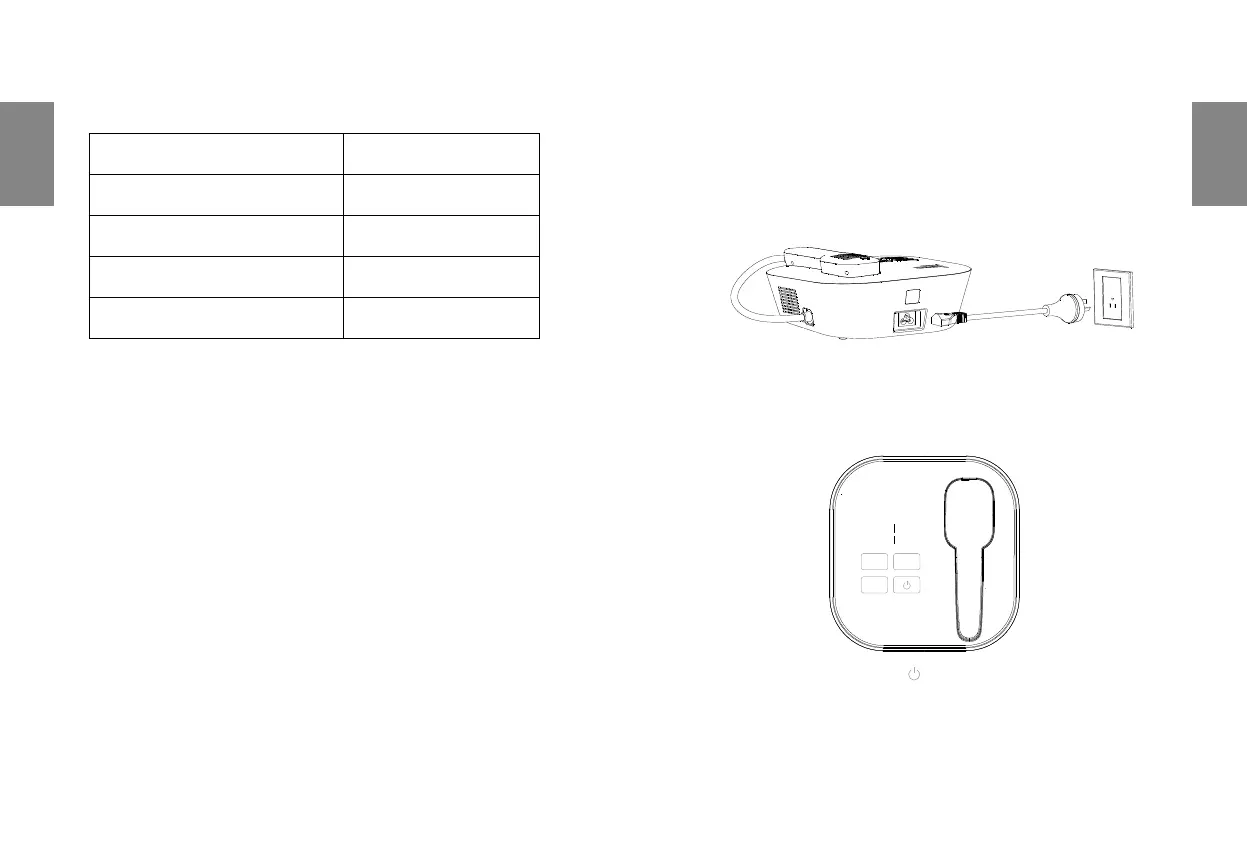
1) Power on the instrument
Plug one end of the 3-core power cord into the power socket of the ho,
and the other end into a well-grounded socket or wall socket;
2) Start the instrument
Click the Power ON/OFF button
on the operation panel;
- Power-on & Trouble Indicator shows white;
- Parameter Display Area shows the default parameters
- Charge Indicator is on.
WORKING ENVIRONMENT
Working Environment Temperature 10ºC~30ºC
Storage Environment Temperature -20ºC ~55ºC
Working Relative Humidity ≤70%
Storage Relative Humidity ≤90%
Atmospheric Pressure 860hPa ~1060hPa


 To Next Page