6
Connecting to Power
3. This Converter is a plug-and-play device.
4. Connect the supplied AC to DC power adaptor
with a power voltage of 7.5Vdc/1.5Amp to the
DC-Jack on the converter, and then attach the
plug into a standard AC outlet
.
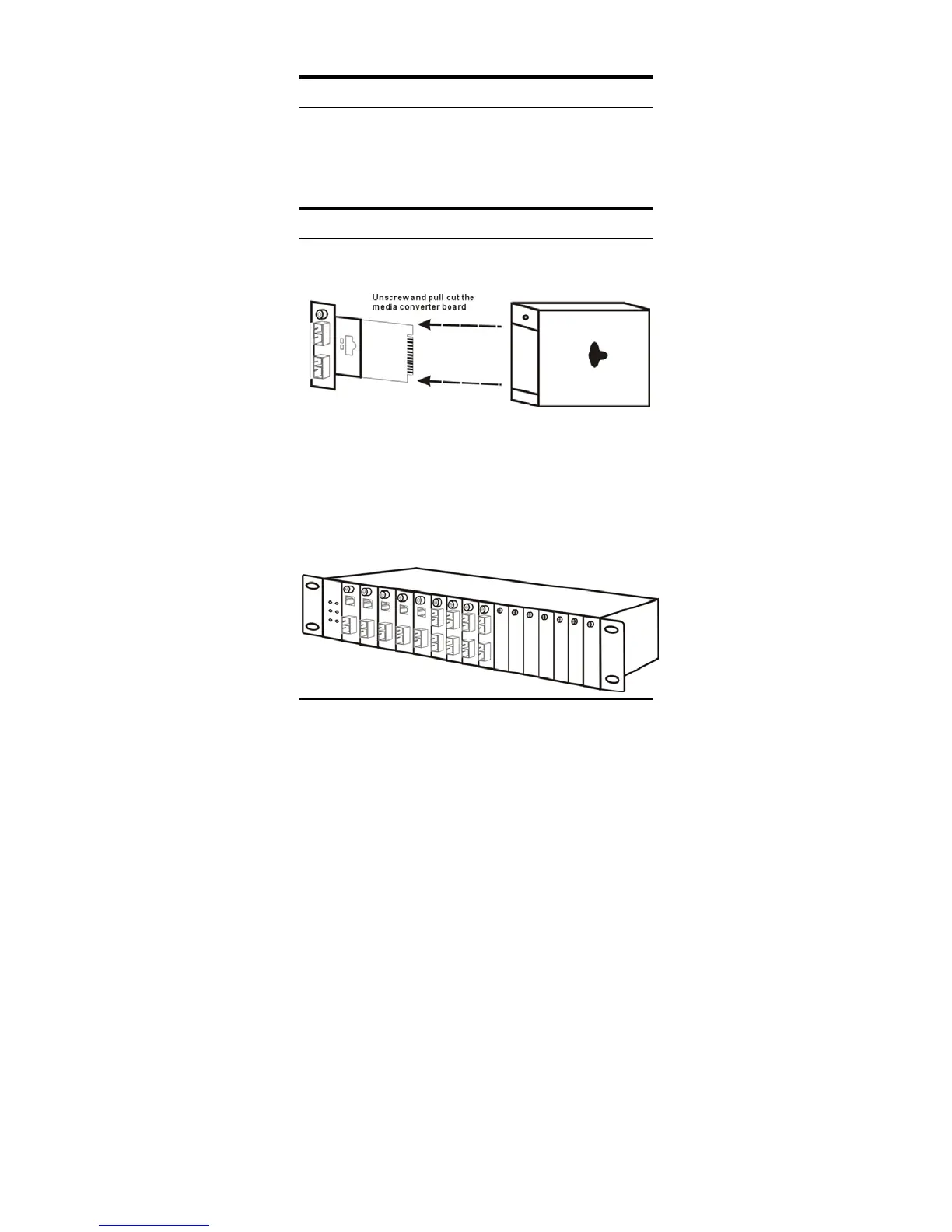
Installing in a Chassis
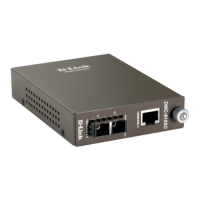
The Converter can be fit into any of the expansion slots
on a special designed chassis.
y First, install the converter onto a carrier supplied with
the chassis:
Step 1- Unscrew and pull out the media converter
board.
Step 2- Plug in the media board to any of the vacant
slot.
Step 3- Fit the converter onto the carrier and use the
screw to secure it.


 To Next Page
 Loading...