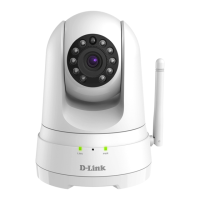
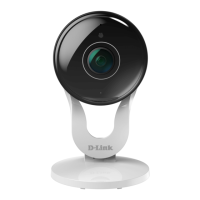
DCS-8100LH
3
ENGLISH
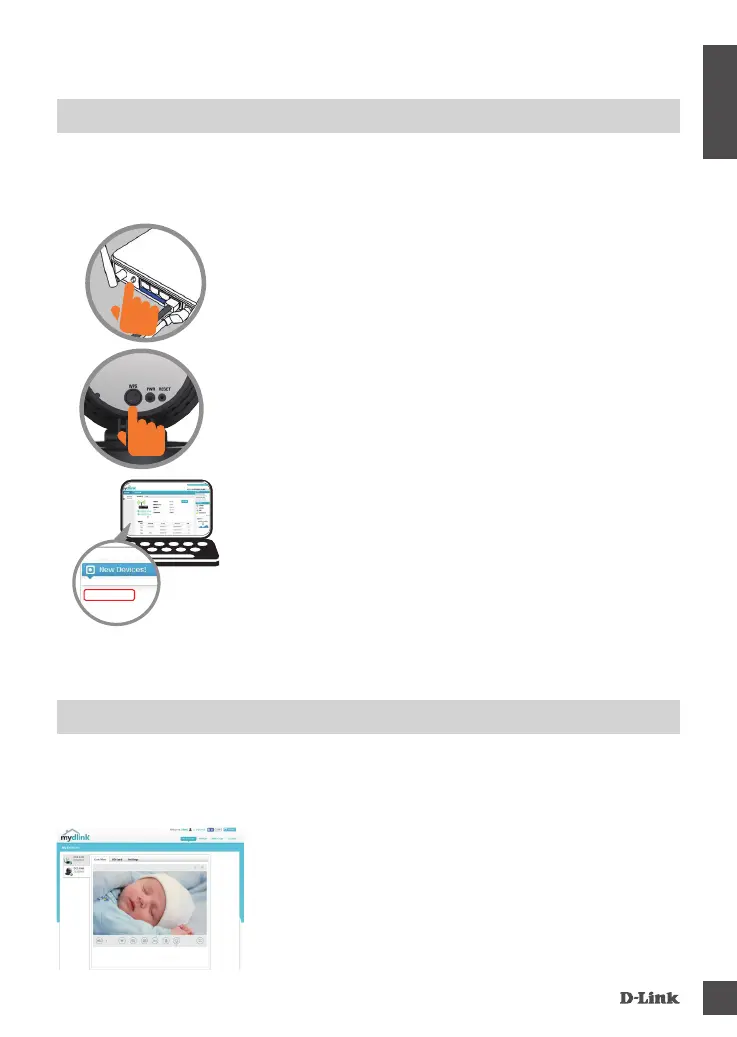
Step 2:
Within 1 minute, press the WPS button on the camera
for 6 seconds. After the camera automatically
connects to your router, the Power LED will turn solid
green.
Step 3:
From any computer, open a web browser, go to
http://www.mydlink.com and log in to your account.
Click on the device name when the new device
notication appears to add the camera to your
account.
DCS-8100LH
If you have a D-Link Cloud Router, you can take advantage of Zero
Conguration Setup. This feature congures your camera’s settings for you
and adds it to your mydlink account automatically.
PRODUCT SETUP
ZERO CONFIGURATION SETUP
Step 1:
Plug in the camera. Wait 2 minutes for the camera to
boot up, then press the WPS button on your Cloud
Router.
Step 1:
Open Internet Explorer and go to www.mydlink.
com, then sign into mydlink.
Step 2:
Select your camera from the device list, and your
camera’s Live View will appear.
After registering your DCS-8100LH camera with a mydlink account in the
mydlink Lite mobile app, you will be able to remotely access your camera from
the mydlink website.
mydlink PORTAL








 To Next Page