9D-Link DCS-855L User Manual
Section 1: Product Overview
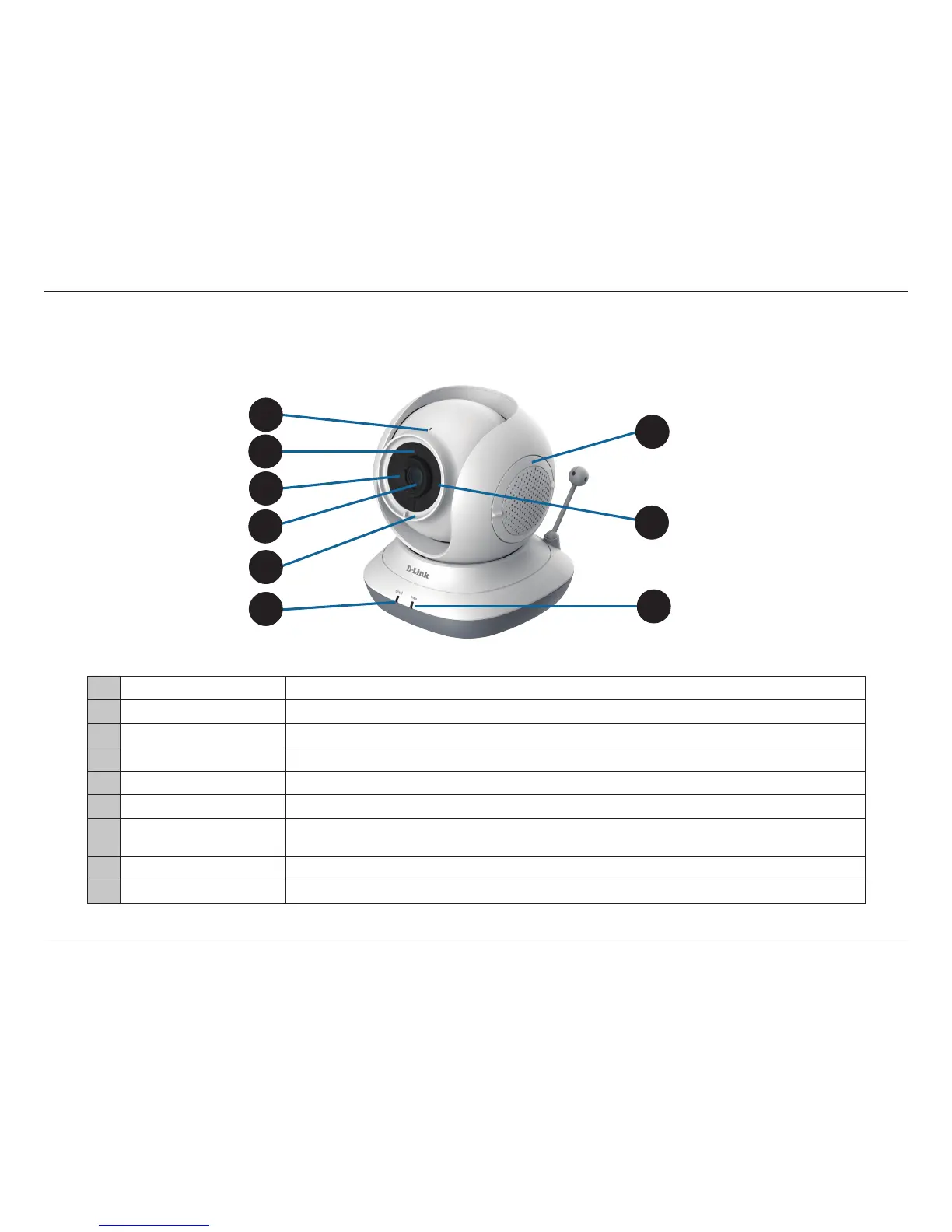
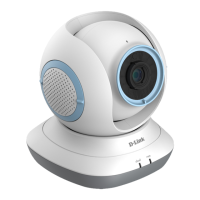
Front View
Hardware Overview
1 Microphone Allows you to record or listen to audio from the surrounding area.
2 Light Sensor Sensor for ambient (surrounding) light.
3 Focus Ring Used to adjust the focus.
4 Camera Lens Allows you to record or view video of the surrounding area.
5 Accent Ring Decorative switchable front accent ring.
6 Cloud/Direct Mode LED The LED will be solid blue when the camera is connected to the mydlink server.
7
microSD Card Slot
(Under the Cover)
Insert a microSD card into the microSD card slot to store event-triggered videos, snapshots, and custom lullabies.
Refer to "Storing Custom Lullabies" on page 32.
8 Night Vision (IR) LEDs Infrared LEDs illuminate the camera's eld of view at night.
9 Power LED The LED will be red when the power is on or during the factory reset process.
1
4
7
9
6
2
3
5
8


 To Next Page