DES-3010F/DES-3010FL/DES-3010G/DES-3016/DES-3018/DES-3026 Fast Ethernet Switch Manual
12
Section 3
Connecting the Switch
Switch To End Node
Switch to Hub or Switch
Connecting To Network Backbone or Server
NOTE: All high-performance N-Way Ethernet ports can support both MDI-
II and MDI-X connections.
Switch to End Node
End nodes include PCs outfitted with a 10, 100 or 1000 Mbps RJ 45 Ethernet Network Interface Card (NIC)
and most routers.
An end node can be connected to the Switch via a twisted-pair UTP/STP cable. The end node should be
connected to any of the 10/100BASE-T ports of the Switch.
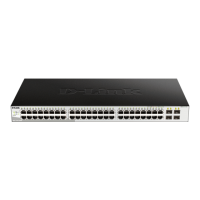
Figure 3- 1. Switch connected to an end node
The Link/Act LEDs for each UTP port will light green or amber when the link is valid. A blinking LED
indicates packet activity on that port.














 To Next Page