DES-3326S Layer 3 Fast Ethernet Switch User’s Guide
178 Web-Based Switch Management
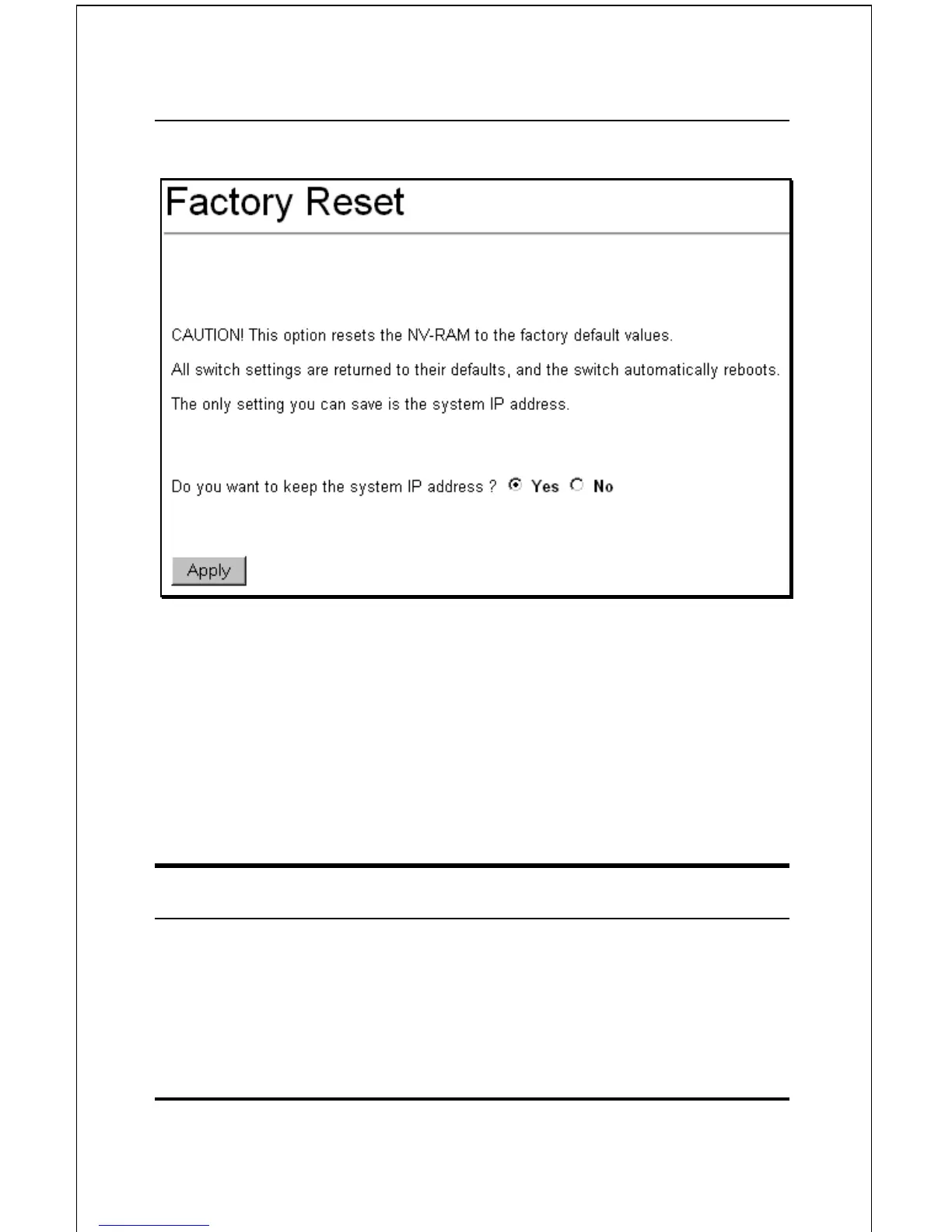
Figure 6-6. Factory Reset Screen
Click Yes if you want the switch to retain its current IP address.
Click No to reset the switch’s IP address to the factory default,
10.90.90.90 (with a Subnet Mask of 255.0.0.0 and Default
Gateway 0.0.0.0)
Click the Apply button to restart the switch.
USING WEB-BASED MANAGEMENT
Setting Up Web Management
Before running Web-based management, some basic
configuration of the switch may need to be performed. The













 To Next Page