DES-3326S Layer 3 Fast Ethernet Switch User’s Guide
28 Identifying External Components
3
IDENTIFYING EXTERNAL
COMPONENTS
This chapter describes the front panel, rear panel, optional
plug-in modules, and LED indicators of the DES-3326S.
Front Panel
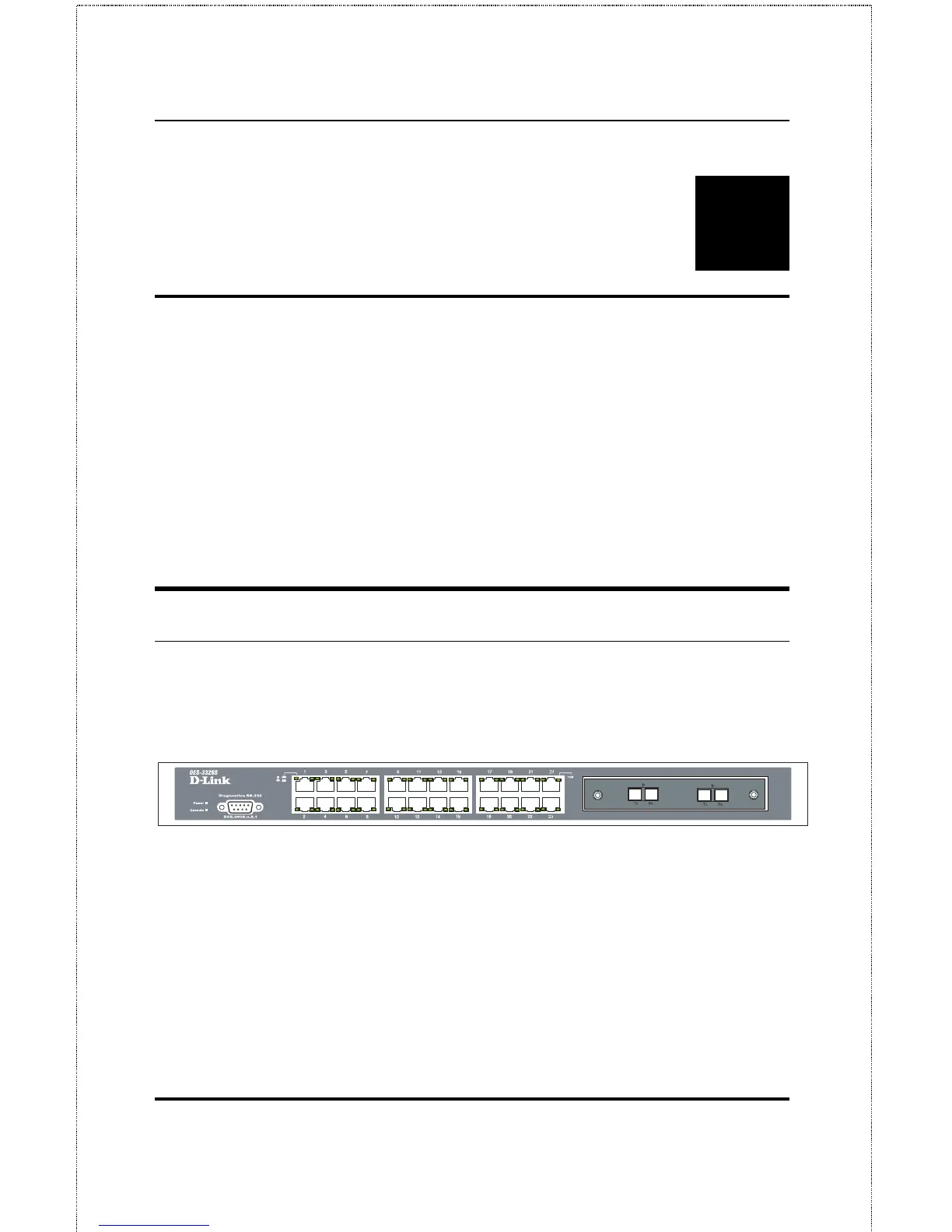
The front panel of the Switch consists of LED indicators, an
RS-232 communication port, a slide-in module slot, and 24
(10/100 Mbps) Ethernet/Fast Ethernet ports.
Figure 3-1. Front panel view of the Switch
♦ Comprehensive LED indicators display the status of the
switch and the network (see the LED Indicators section
below).
♦ An RS-232 DCE console port for setting up and managing
the switch via a connection to a console terminal or PC
using a terminal emulation program.













 To Next Page