DES-3326S Layer 3 Fast Ethernet Switch User’s Guide
Web-Based Switch Management 203
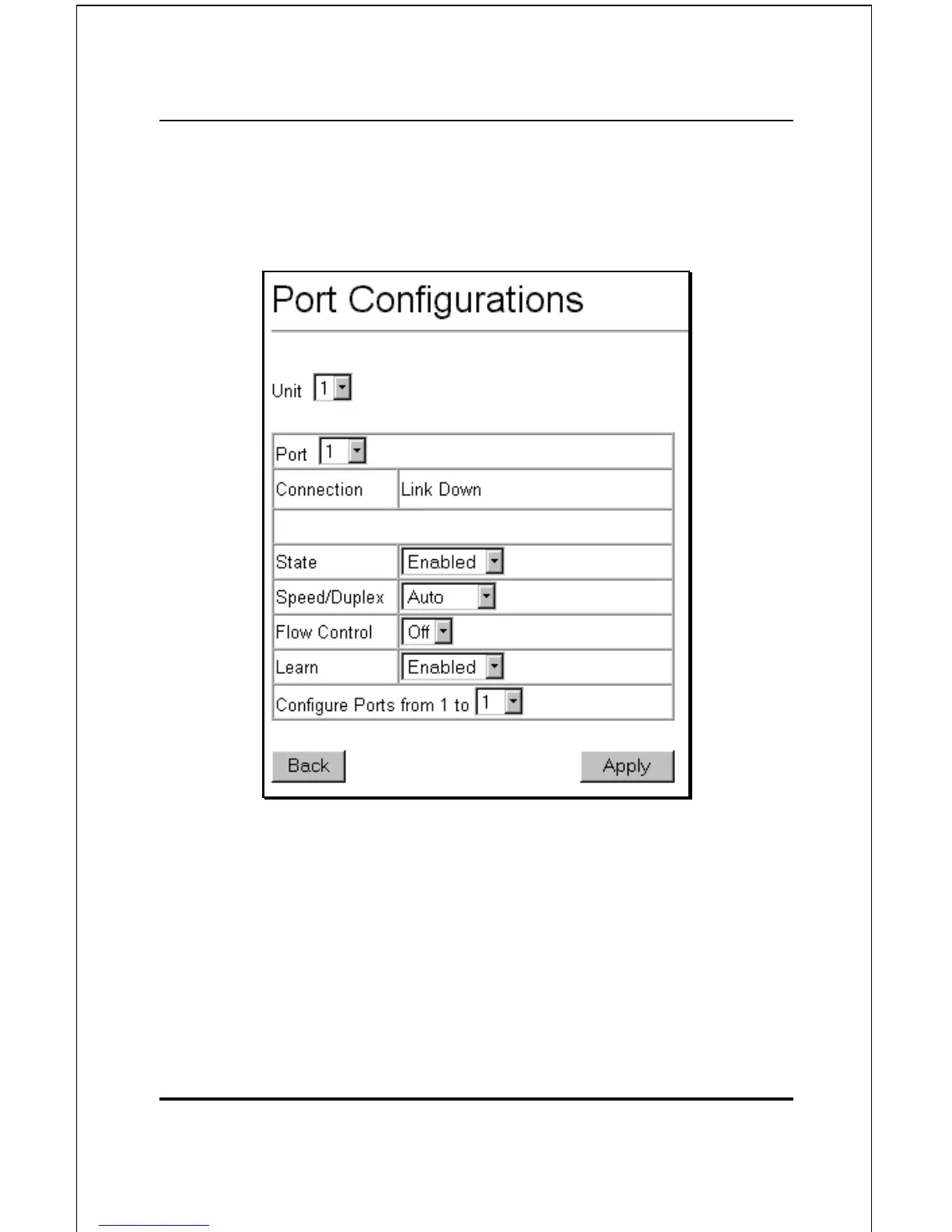
Click on the port you want to configure on the Port
Configurations menu and then click the Edit button. This will
open the following dialog box:
Figure 6-22. Port Configurations − Edit
The Unit drop-down dialog box allows you to select different
switches in a switch stack, if you have the optional stacking
module installed and the switches in the stack are properly
interconnected.
The Port drop-down dialog box allows different ports (on the
currently selected Unit) to be selected for configuration.













 To Next Page