DES-3326S Layer 3 Fast Ethernet Switch User’s Guide
Web-Based Switch Management 209
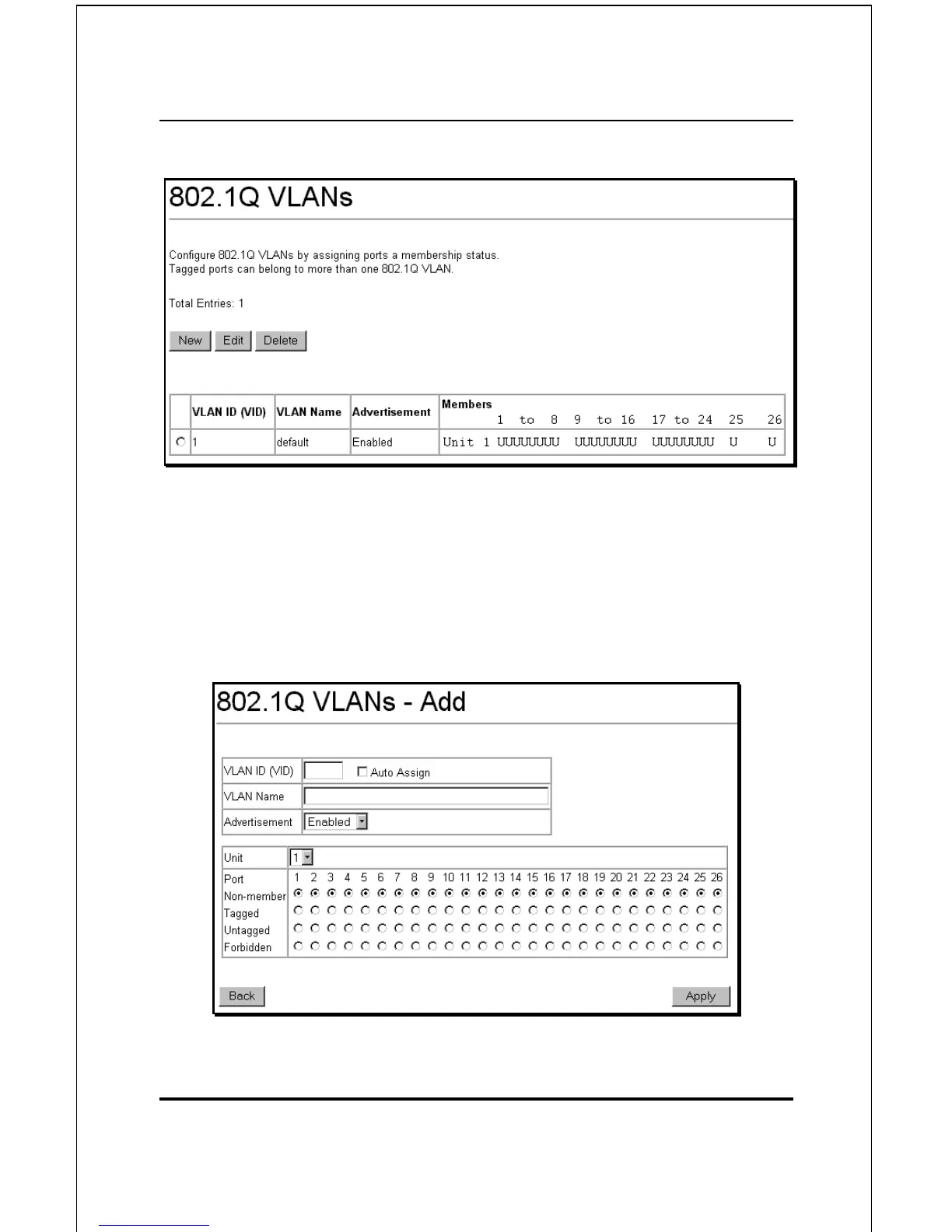
Figure 6-24. 802.1Q VLANs
To delete an existing 802.1Q VLAN, click the corresponding
click-box to the left of the VLAN you want to delete from the
switch and then click the Delete button.
To create a new 802.1Q VLAN, click the New button:
Figure 6-25. 802.1Q Static VLANs Entry Settings – Add













 To Next Page