DES-3326S Layer 3 Fast Ethernet Switch User’s Guide
Web-Based Switch Management 247
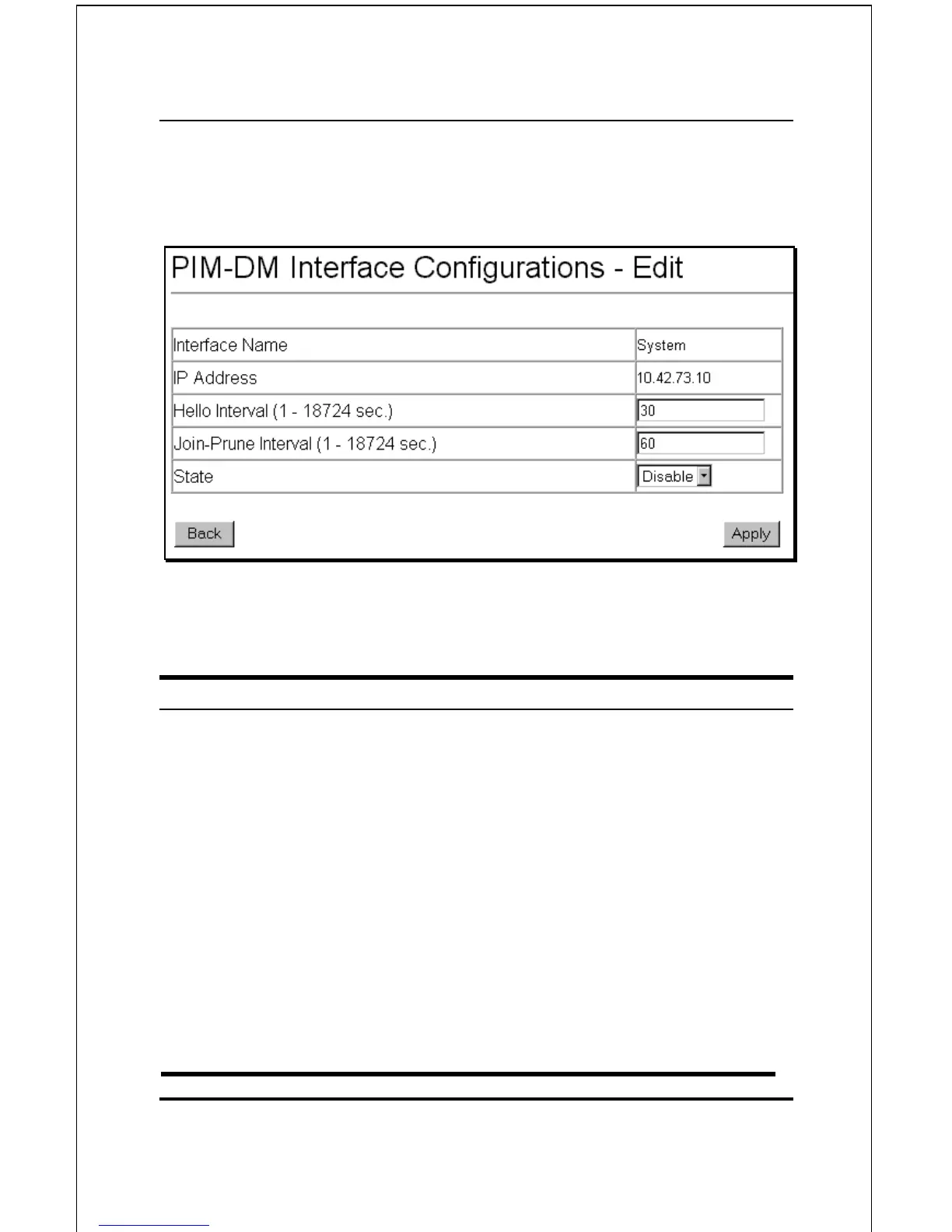
To configure PIM-DM for a given IP Interface, click the
corresponding click-box and then click the Edit button:
Figure 6-51. PIM-DM Interface Configuration − Edit
The following fields can be set:
Parameter Description
Interface Name
Allows the entry of the name of the
IP interface for which PIM-DM is to
be configured. This must be a
previously defined IP interface.
IP Address
Displays the IP address for the IP
interface named above.
Hello Interval <30>
This field allows an entry of between
0 and 18724 seconds and
determines the interval between
sending Hello packets to other
routers on the network. The default
is 30 seconds.













 To Next Page