DES-3326S Layer 3 Fast Ethernet Switch User’s Guide
Web-Based Switch Management 249
• All UDP multicast packets will be forwarded to the
router port. Because routers do not send IGMP reports
or implement IGMP snooping, a multicast router
connected to the router port of the Layer 3 switch would
not be able to receive UDP data streams unless the UDP
multicast packets were all forwarded to the router port.
• A router port will be dynamically configured when IGMP
query packets, RIPv2 multicast, DVMRP multicast, PIM-
DM multicast packets are detected flowing into a port.
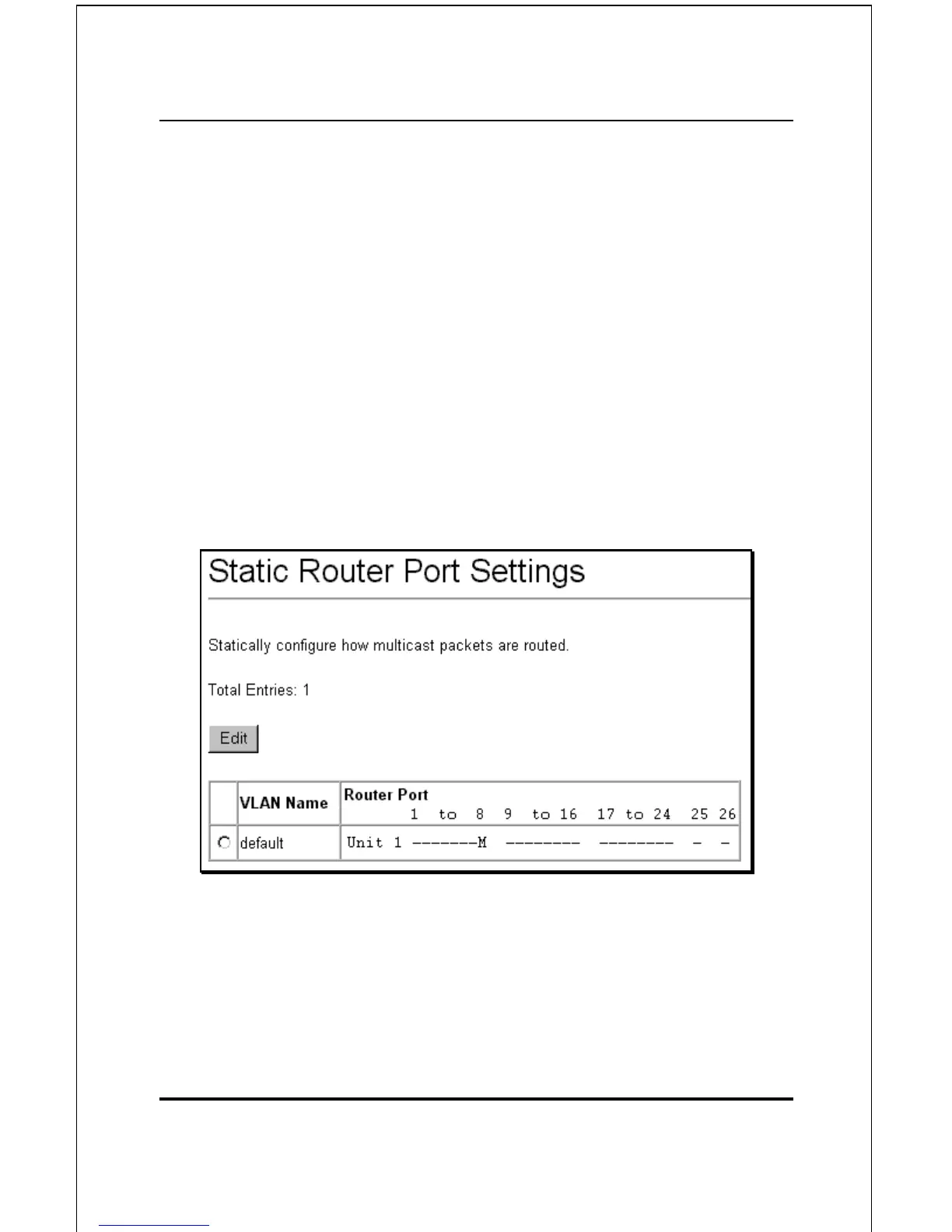
To setup a static router port:
Click the Static Router Port Settings link under the IP
Multicast Routing Protocols folder:
Figure 6-52. Static Router Port Settings
Ports that have been configured as a Static Router Port will be
displayed under the Router Port heading and signified by a
capital M, as shown above (port 8 − M is for Multicast enabled
router).













 To Next Page