D-Link Switch User Manual
3
Product Overview
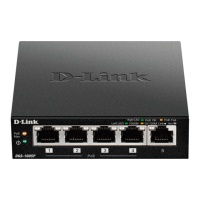
Front Panel
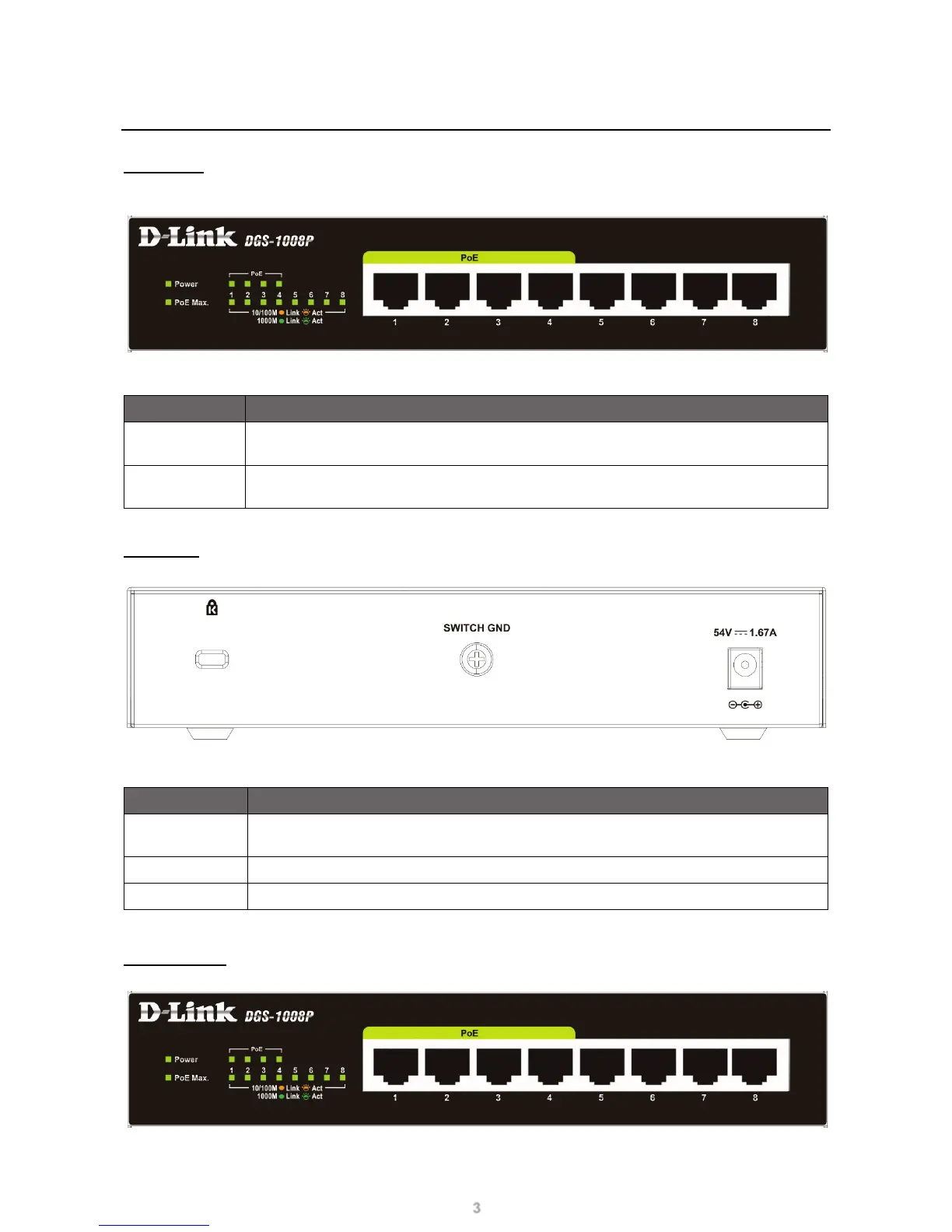
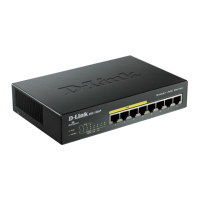
Figure 1 – DGS-1008P Front Panel
Item Description
Ports 1 to 4
These are 10/100/1000 Mbps PoE-capable ports, used for connecting Ethernet devices
and PoE-powered devices.
Ports 5 to 8
These are 10/100/1000 Mbps non-PoE ports, used for connecting Ethernet devices.
These ports cannot power PoE devices.
Table 1 – Front Panel Interfaces
Rear Panel
Figure 2– DGS-1008P Rear Panel
Item Description
Kensington
Security Lock
This is a built-in physical Kensington security lock.
SWITCH GND
This screw is used to secure a grounding wire to connect the Switch to ground.
DC Power Jack
Input jack for the power adapter.
Table 2 – Rear Panel Interfaces
Indicator LEDs
Figure 3 – Indicator LEDs


 To Next Page