12D-Link DGS-2208 User Manual
Section 2 - Product Overview
Hardware Overview
Front Panel (LEDs)
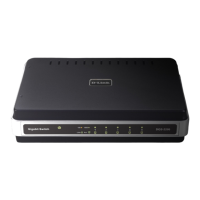
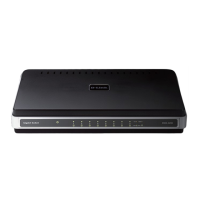
The LED indicators of the Switch include Power, 100/1000Mbps, and Link/Act. The following shows the LED indicators
for the Switch along with an explanation of each indicator.
LED Indicators:
Comprehensive LED indicators display the conditions of the Switch and status of the network. A description of these
LED indicators follows (see LED Indicators). The LED indicators of the Switch include Power, Link/Act, 1000Mbps, and
100Mbps. The Cable Diagnostic functions of the Switch are indicated by a combination of the Speed and the Link/Act
LEDs, as described on the next page.






 To Next Page
