7D-Link DHP-700AV / DHP-701AV User Manual
Section 1 - Product Overview
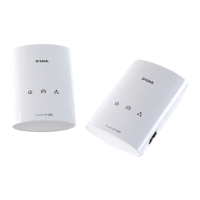
Hardware Overview
Connection
1 Reset Button
Press and hold the button for 10 seconds to reset to the factory
default settings.
2 Simple Connect Button
Press and hold the button for two seconds to secure your network.
(Refer to “Push Button Security” on page 11 for more information.)
3 Gigabit Ethernet Port
Connect to an Ethernet device such as a router, computer, video
game console, network storage device, or a media player.
2
1
3














 To Next Page