13D-Link DHP-P306AV User Manual
Section 3 - Conguration
Conguration
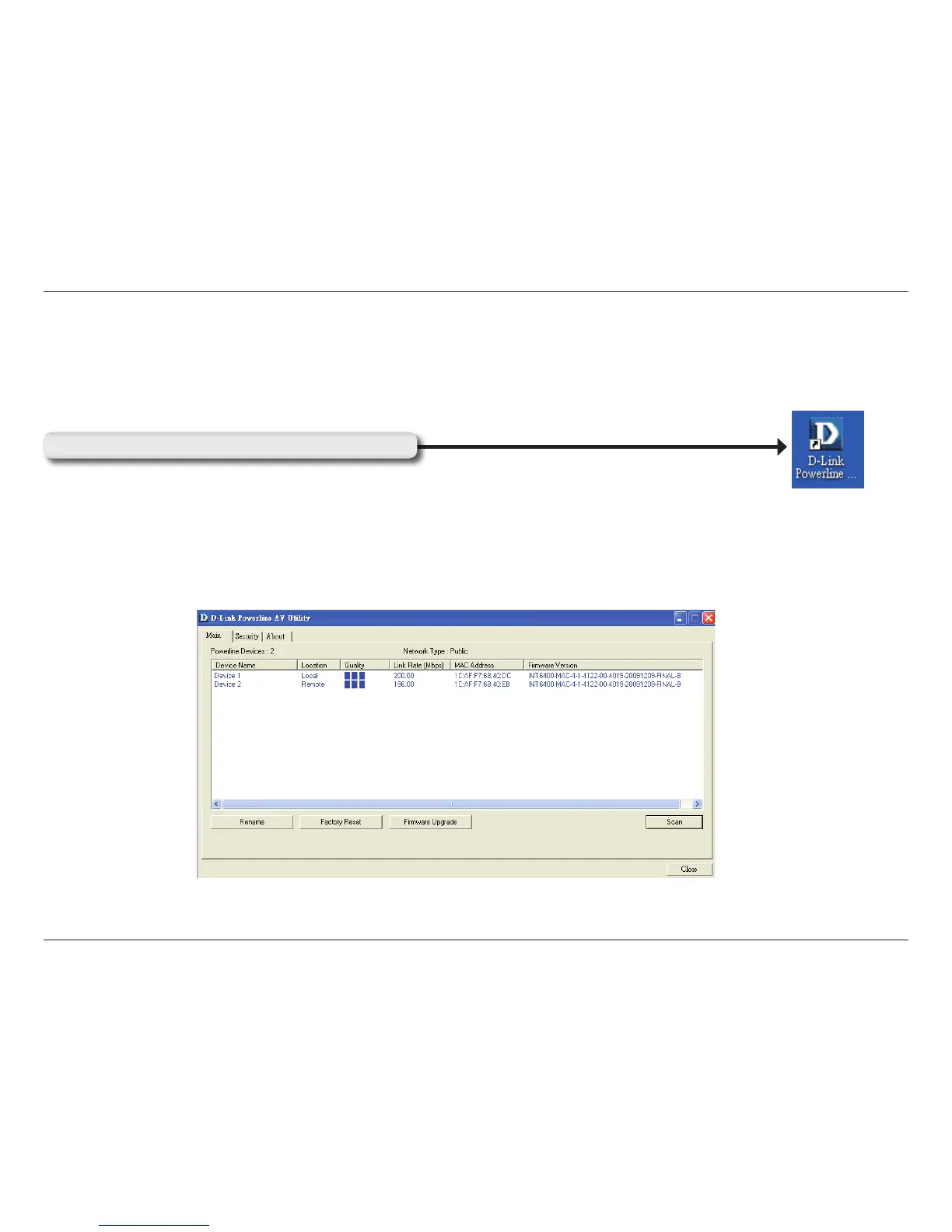
After you have completed the D-Link PowerLine AV Utility installation wizard, double-click the D-Link PowerLine AV Utility
icon on your desktop to start the conguration of the DHP-P306AV.
Double-click the D-Link PowerLine Utility icon
The D-Link PowerLine Utility provides you the option of setting your own PowerLine network and the network information
of connected PowerLine devices.



 To Next Page