DIR-120 Ethernet Broadband Router
D-Link DIR-120 User Manual 13
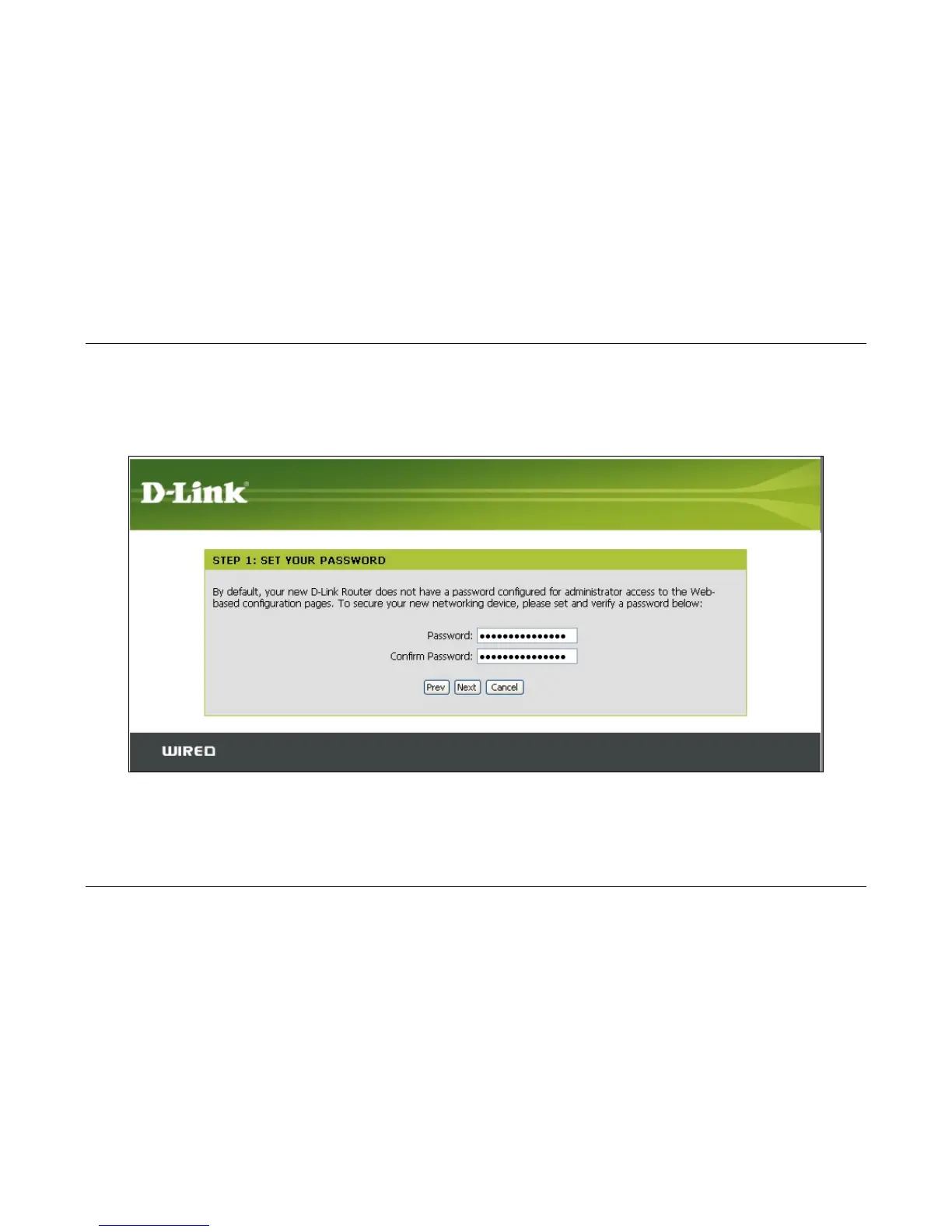
Setup Wizard – Step 1
Type a new Password used for system administration in the space provided and the same password again in the Confirm Password space. This will be the new system
password used to login. Remember that this password is case sensitive so it must be typed exactly as you are typing it here when you want to access the web manager. The user
cannot change the system User Name used for login, admin. Click the Next button to proceed, click the Prev button to see the previous wizard menu.



 To Next Page