DIR-120 Ethernet Broadband Router
D-Link DIR-120 User Manual 52
System
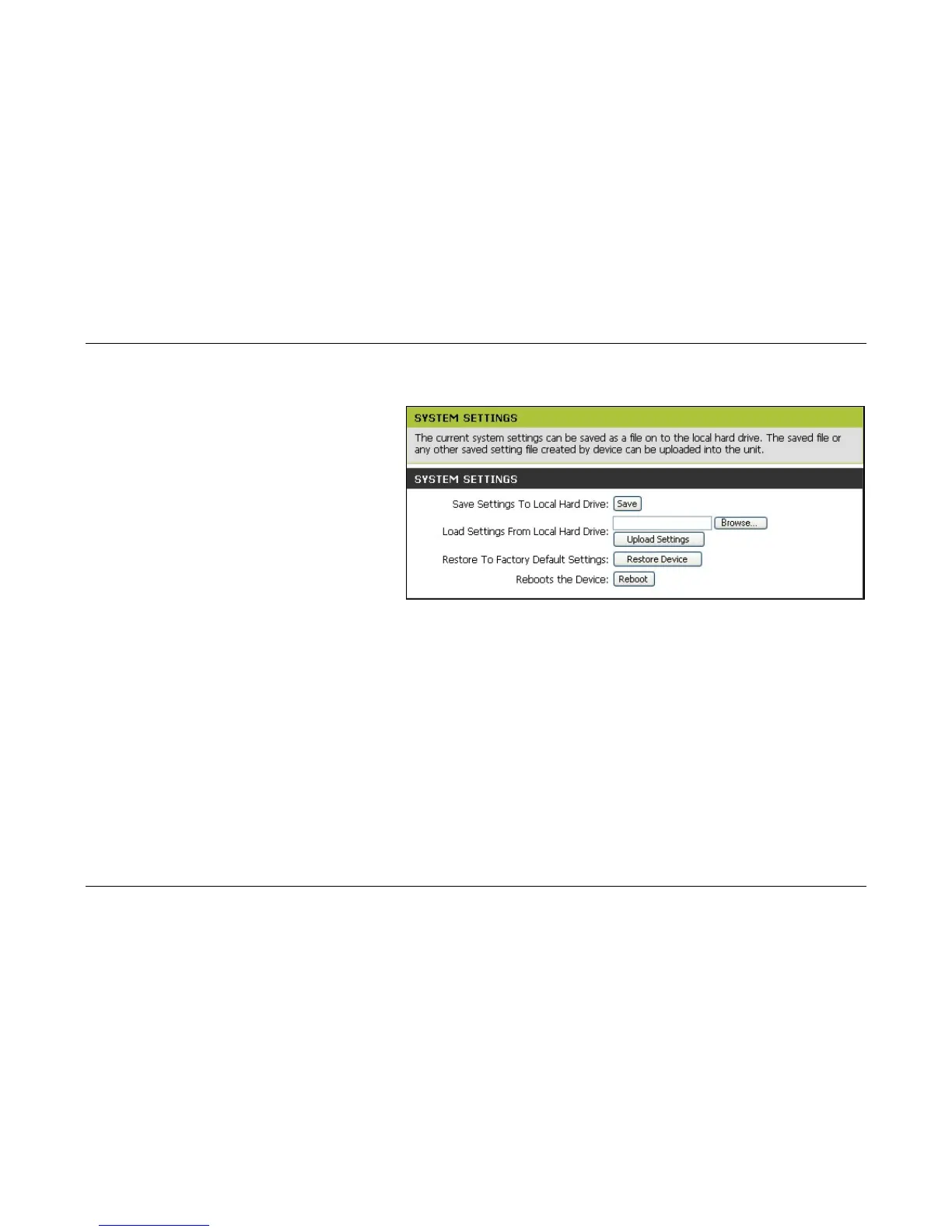
System Settings menu
The current system settings can be saved as a file onto the local
hard drive by clicking the Save button. The saved file or any
other saved setting file can be loaded back on the Router. To
reload a system settings file, click on Browse to browse the
local hard drive and locate the system file to be used. You may
also reset the Router back to factory settings by clicking on
Restore Device. In addition, the user can click Reboot to
restart the Router.



 To Next Page