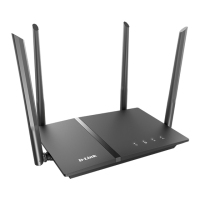
DIR-120 Ethernet Broadband Router
D-Link DIR-120 User Manual 2
Router Features
The D-Link DIR-120 Broadband Router provides the following features:
• Broadband Connection Sharing - Connects multiple computers to a Broadband (Cable or DSL) modem to share the Internet connection.
• Ethernet Switch - Allows sharing of an Internet connection with multiple computers and devices.
• USB port – The USB 1.1 port is intended for printer sharing. Note: The printer must support LPR protocol.
• VPN Supported - Supports multiple and concurrent IPsec and PPTP pass-through sessions, so multiple users behind the DIR-120 can access corporate networks through
various VPN clients more securely.
• Advanced Firewall, MAC Filtering, and WebSite Filtering Features - The Web-based user interface displays a number of advanced network management features
including:
• Web-Based Management - DIR-120 is configurable through any network computer’s web browser using Netscape or Internet Explorer.
• Port Forwarding Supported - Enables you to expose WWW, FTP and other services on your LAN to be accessible to Internet users.
• Special Application Supported - Special applications requiring multiple connections, like Internet gaming, video conferencing, Internet telephony and so on. The DIR-
120 can sense the application type and open a multi-port tunnel for it.
• DMZ Host Supported - Allows a networked computer to be fully exposed to the Internet. This function is used when the Special Application feature is insufficient to
allow an application to function correctly.



 To Next Page