9D-Link DIR-1360 User Manual
Section 3 - Installation
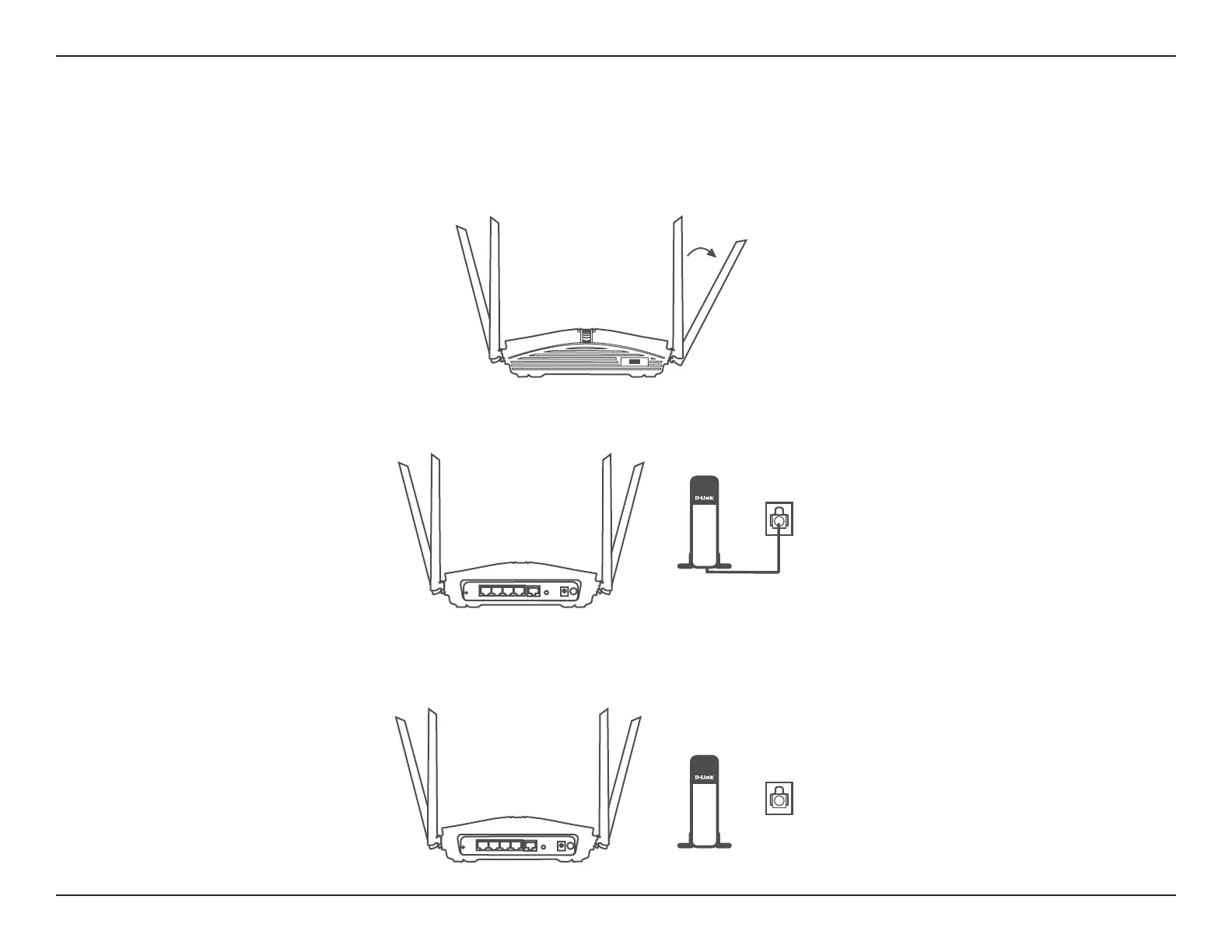
2. Position your DIR-1360 near your Internet-connected modem. Place it in an open area for better wireless coverage.
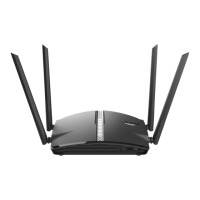
1. The DIR-1360 is designed to give you the fastest, most stable network connection possible. In order to maximize
performance, fully extend the antennas into a 105-degree angle (middle notch) to provide optimal wireless coverage.
Keep the router in an open area for better wireless coverage.
3. Turn o and unplug the power and Ethernet cable to your cable or DSL broadband modem. This is required. In some
cases, you may need to turn it o for up to ve minutes.
Modem
DIR-1360
Modem
Hardware Setup
105˚
DIR-1360










 To Next Page