DIR-320 Wireless N150 Router with 3G/CDMA/LTE Support
and USB Port
User Manual
Configuring via Web-based Interface
Filebrowser
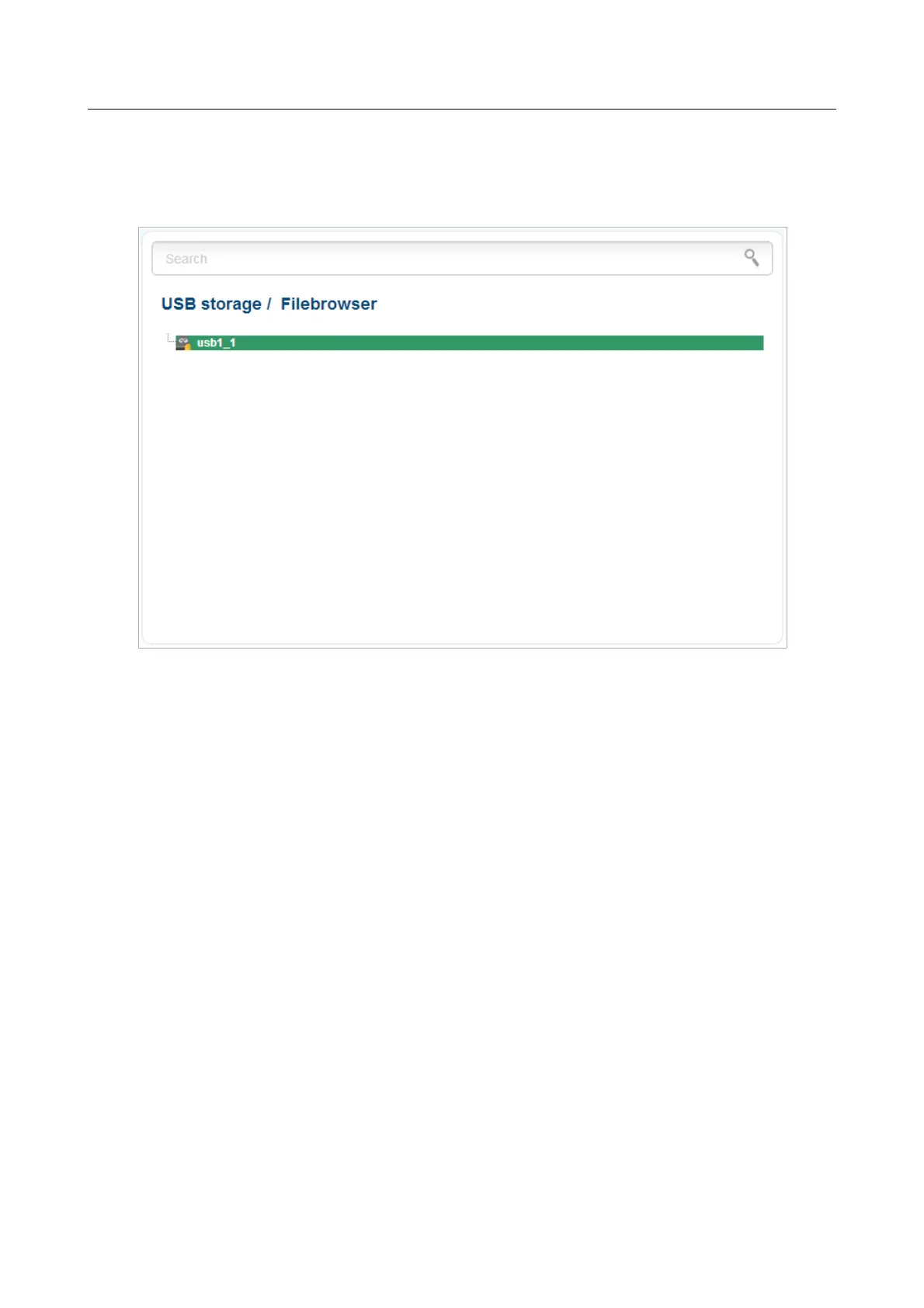
On the USB storage / Filebrowser page, you can view the content of your USB storage
connected to the router and remove separate folders and files from the USB storage.
Figure 148. The USB storage / Filebrowser page.
To view the content of the USB storage, double-click the icon of the storage or storage partition.
The list of folders and files will be displayed on the page.
To proceed to a folder, select it in the directory structure on the left part of the page and double-
click the line corresponding to this folder.
To refresh the folder contents, right-click the line corresponding to this folder, and select the
Refresh value in the menu displayed.
To remove a folder or file, right-click the line corresponding to this folder or file, and select the
Delete value in the menu displayed.
Page 186 of 220



 To Next Page