DIR-320 Wireless N150 Router with 3G/CDMA/LTE Support
and USB Port
User Manual
Installation and Connection
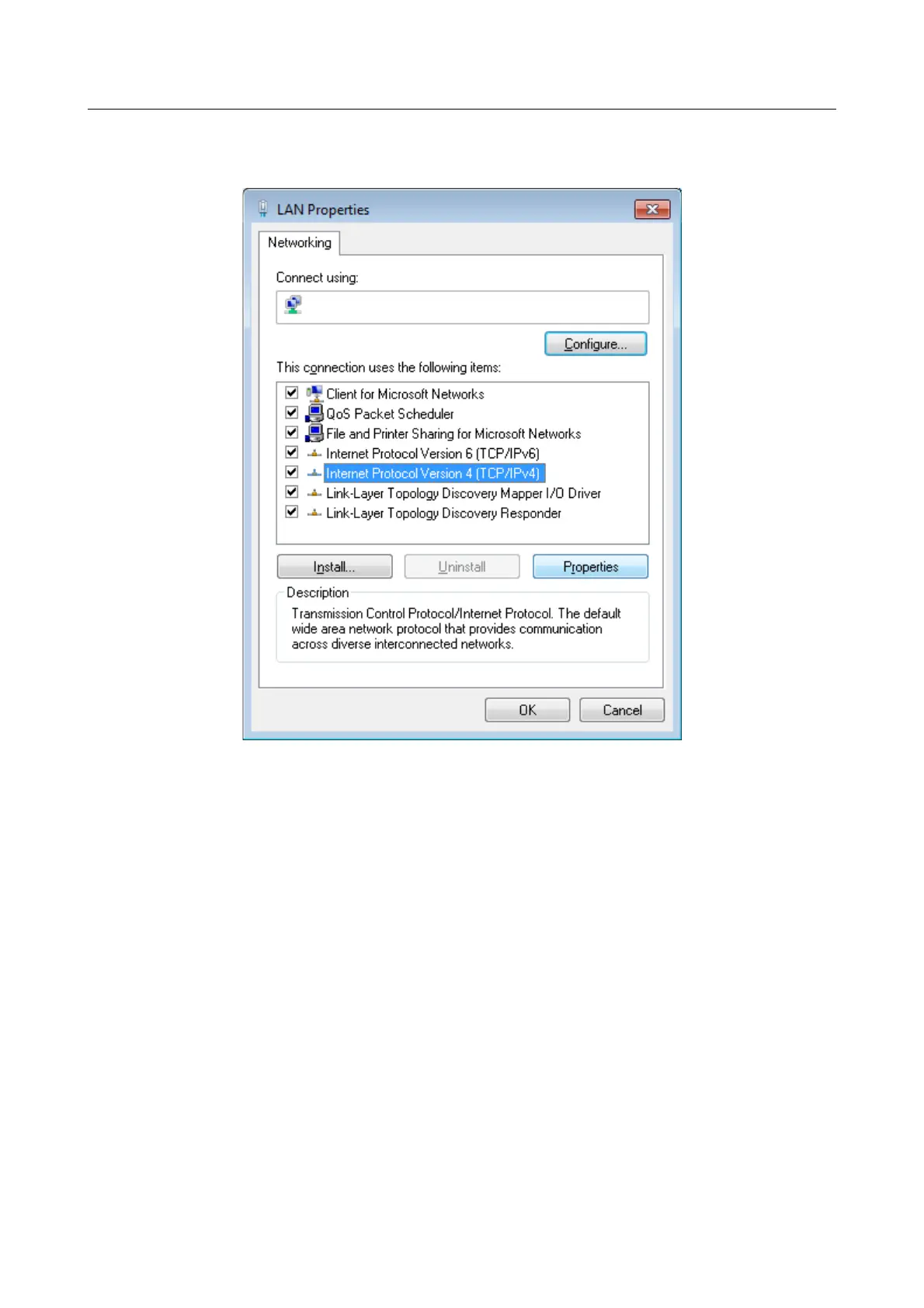
5. In the Local Area Connection Properties window, on the Networking tab, select the
Internet Protocol Version 4 (TCP/IPv4) line. Click the Properties button.
Figure 10. The Local Area Connection Properties window.
6. Select the Obtain an IP address automatically and Obtain DNS server address
automatically radio buttons. Click the OK button.
Page 25 of 220



 To Next Page