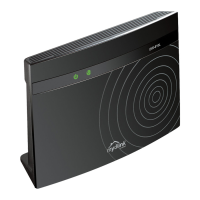
DIR-815 Quick Installation Guide
In order to connect your device to the network of a 3G or LTE operator, on the
Device mode page, from the Connection method list, select the 3G/LTE
modem value. In this mode you can configure a 3G/LTE WAN connection,
set your own settings for the wireless network in the 2.4GHz and 5GHz bands,
and set your own password for access to the web-based interface of the device.
In order to connect your device to a wireless ISP (WISP), on the Device
mode page, from the Connection method list, select the Wi-Fi value.
Then from the Work mode list select the WISP Repeater value. In this
mode you can connect your device to another access point, configure a WAN
connection, set your own settings for the wireless network in the 2.4GHz and
5GHz bands, and set your own password for access to the web-based interface
of the device.
24



 To Next Page