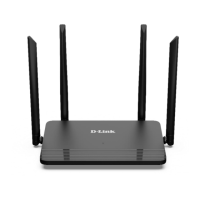
DIR-822 Quick Installation Guide
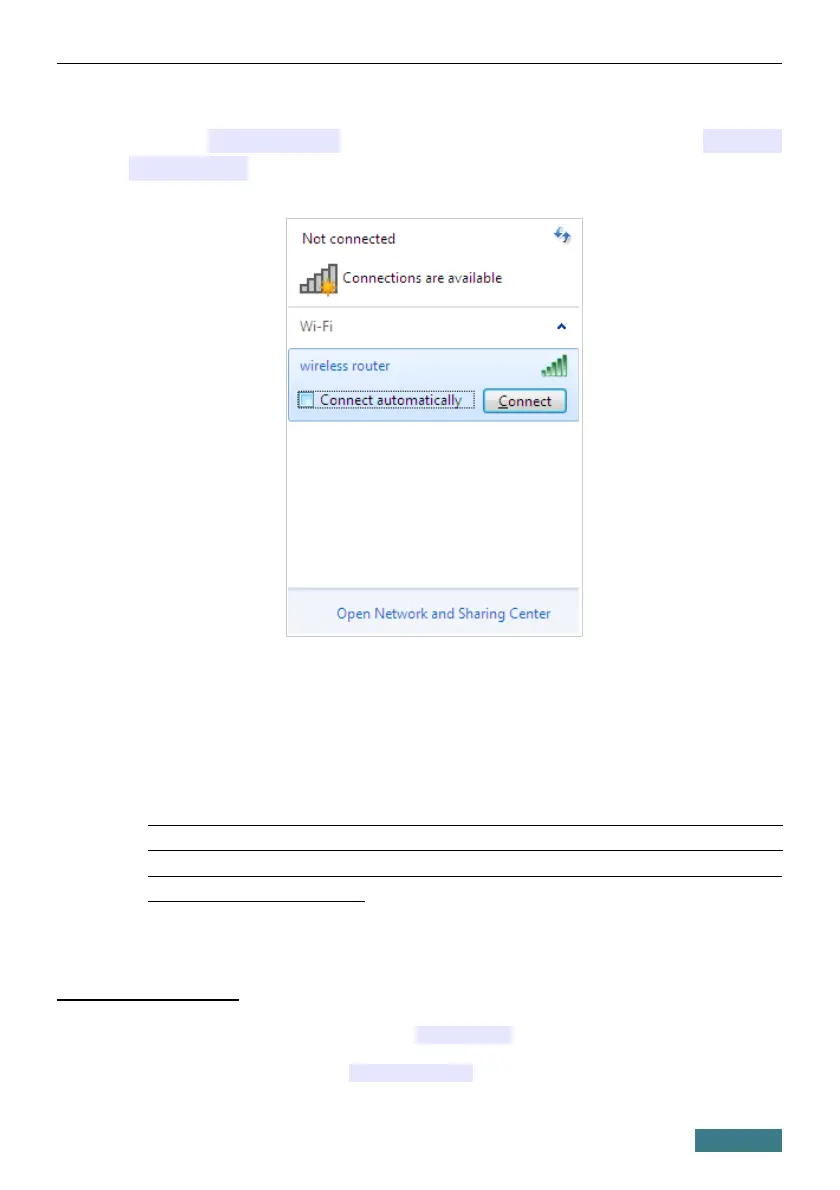
6. In the opened window, in the list of available wireless networks, wireless
network dlink-XXXX
7
(for operating in the 2.4GHz band) or dlink-
XXXX-5GHz
8
(for operating in the 5GHz band) and click the Connect
button.
7. In the opened window, enter the network key (see the field Password on
the bottom panel of the device
9
) in the Security key field and click the
OK button.
8. Wait for about 20-30 seconds. After the connection is established, the
network icon will be displayed as the signal level scale.
!
If you perform initial configuration of the router via Wi-Fi connection,
note that immediately after changing the wireless default settings of the
router you will need to reconfigure the wireless connection using the
newly specified settings.
7 See the field Wi-Fi Name (SSID) 2.4GHz on the bottom panel of the device. For the models of the
hardware version /RU the default network name is DIR_822C1A.
8 See the field Wi-Fi Name (SSID) 5GHz on the bottom panel of the device. For the models of the hardware
version /RU the default network name is DIR_822C1A-5G.
9 For the models of the hardware version /RU the default network key is WPS PIN.
14



 To Next Page