DIR-822 Quick Installation Guide
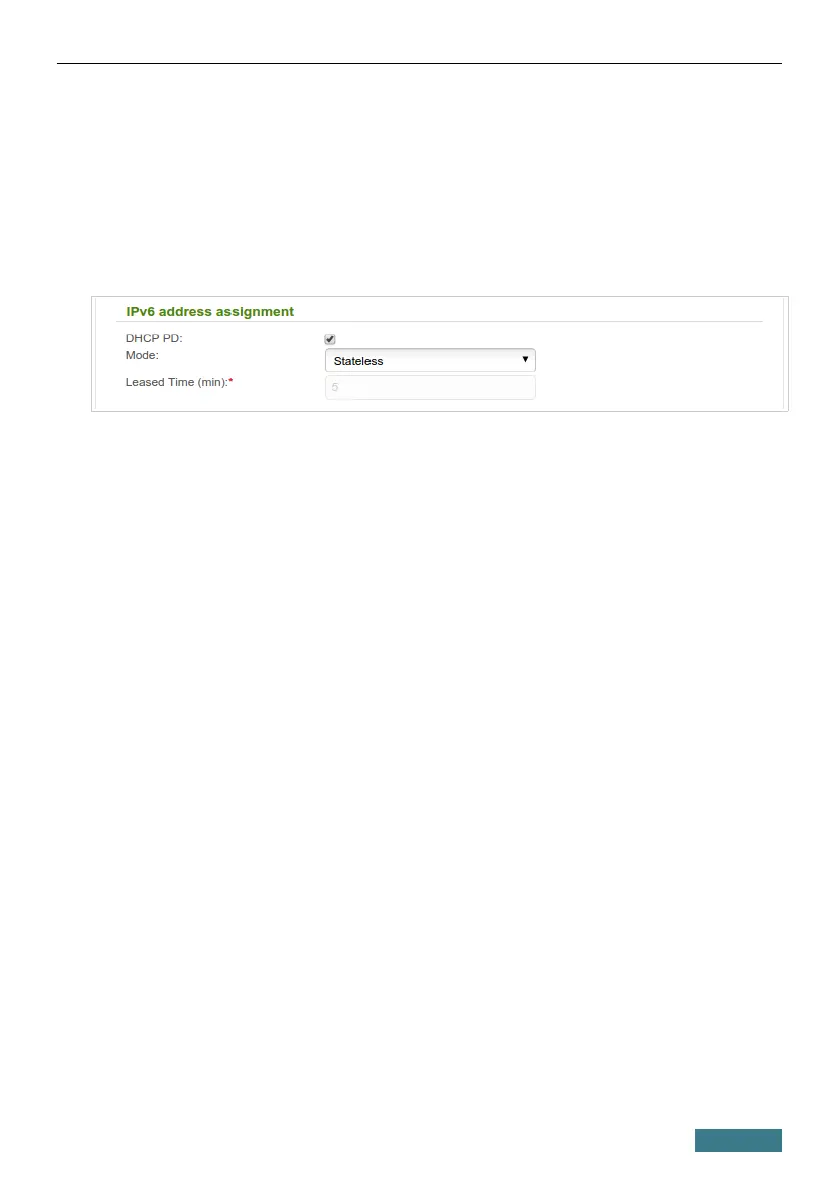
3. IPv6 address assignment. By default, the devices of the LAN
automatically assign IPv6 addresses to themselves (the Stateless value
is selected from the Mode drop-down list in the IPv6 address
assignment section). If the devices of the LAN do not support IPv6
address autoconfiguration, enable the built-in DHCPv6 server of the
router (select the Stateful value). If you want to manually assign IPv6
addresses to devices of the LAN, select the Disable value.
4. After specifying the DHCP server settings, click the Apply button.
31



 To Next Page