DIR-822 Quick Installation Guide
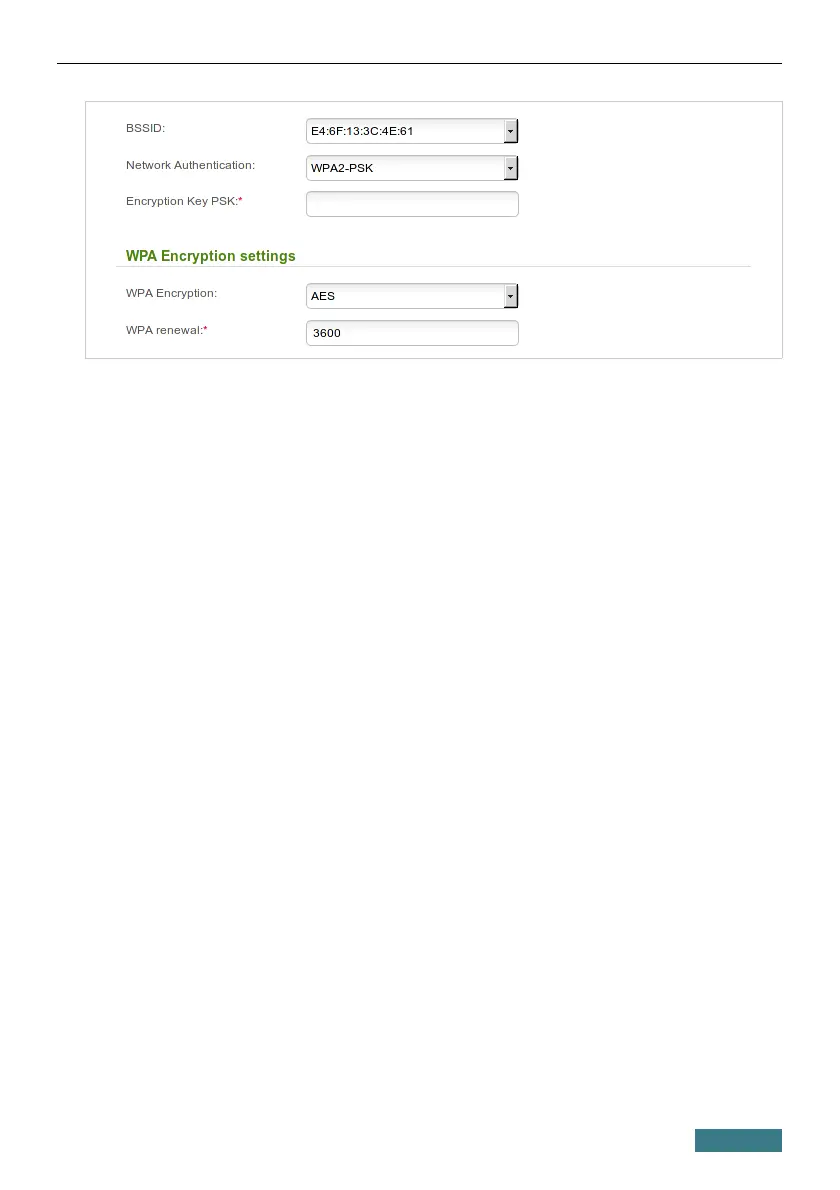
11. Enter a key (a password that will be used to access your guest network) in
the Encryption Key PSK field. Use digits and Latin characters.
12. Select the AES value from the WPA Encryption drop-down list.
13. Click the Apply button.
If needed, you can also configure a guest network for the other band of the
wireless network.
33



 To Next Page