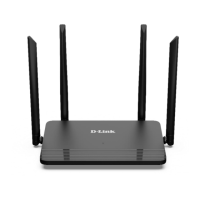
DIR-822 AC1200 Wave 2 MU-MIMO Wi-Fi EasyMesh Router
User Manual
Configuring via Web-based Interface
!
The selected port cannot use the default connection to access the Internet.
To deselect the port in the simplified mode, left-click the selected element (the frame will
disappear) and click the APPLY button.
To deselect the port in the advanced mode, select the No value from the Bridged with drop-down
list of the element corresponding to the needed LAN port. Then in the WAN section, select the
connection via VLAN which will not be used any longer and click the DELETE button. Then click
the APPLY button.
Page 70 of 235



 To Next Page