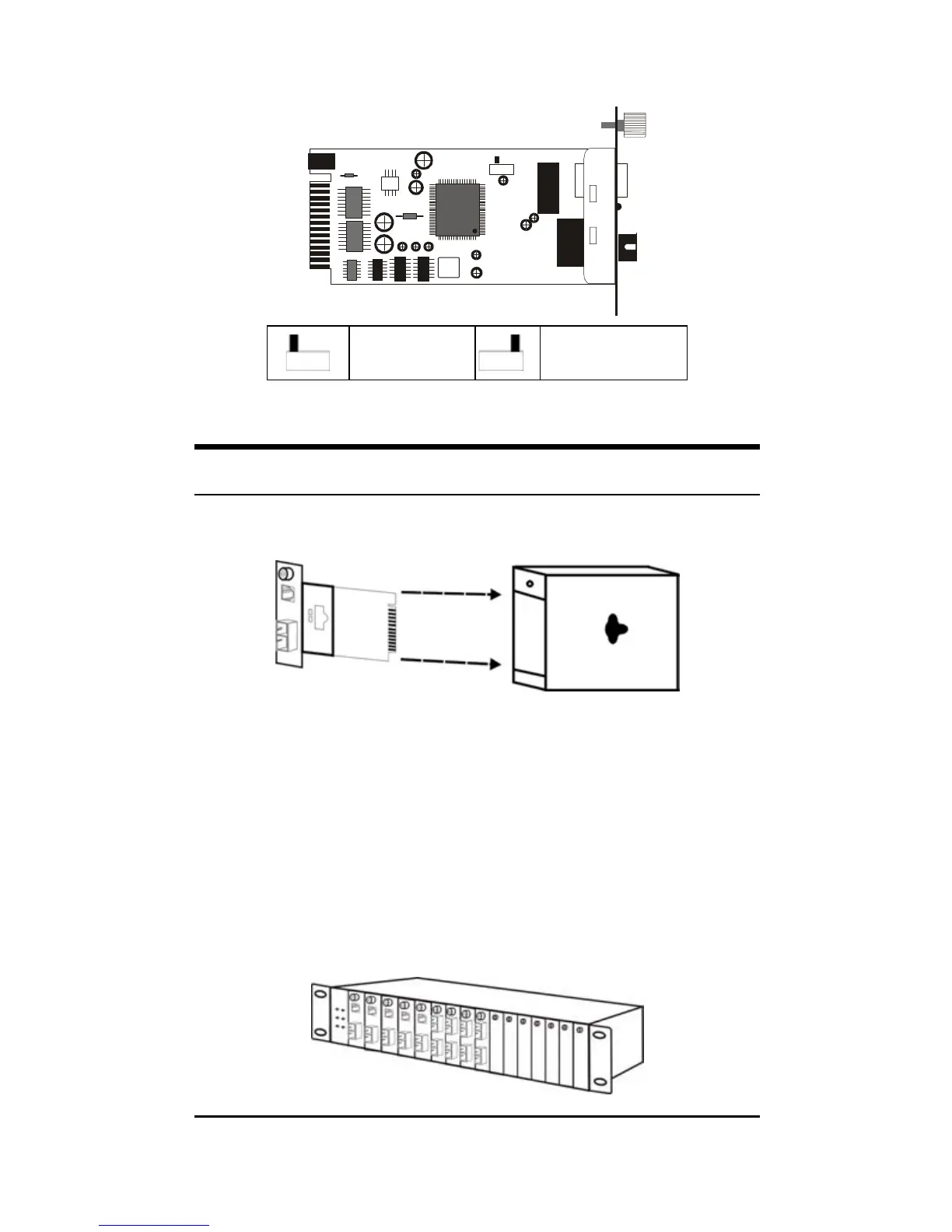
port. Refer to the table below for more details.
SW1
Half Duplex
Full Duplex
(default)
Installing in a Chassis
The Converter can be fit into any of the expansion slots
on a special designed chassis.
y First, install the converter onto a carrier supplied with
the chassis:
Step 1- Unscrew and pull out the media converter
board.
Step 2- Plug in the media board to any of the vacant
slot.
Step 3- Fit the converter onto the carrier and use the
screw to secure it.
5


 To Next Page