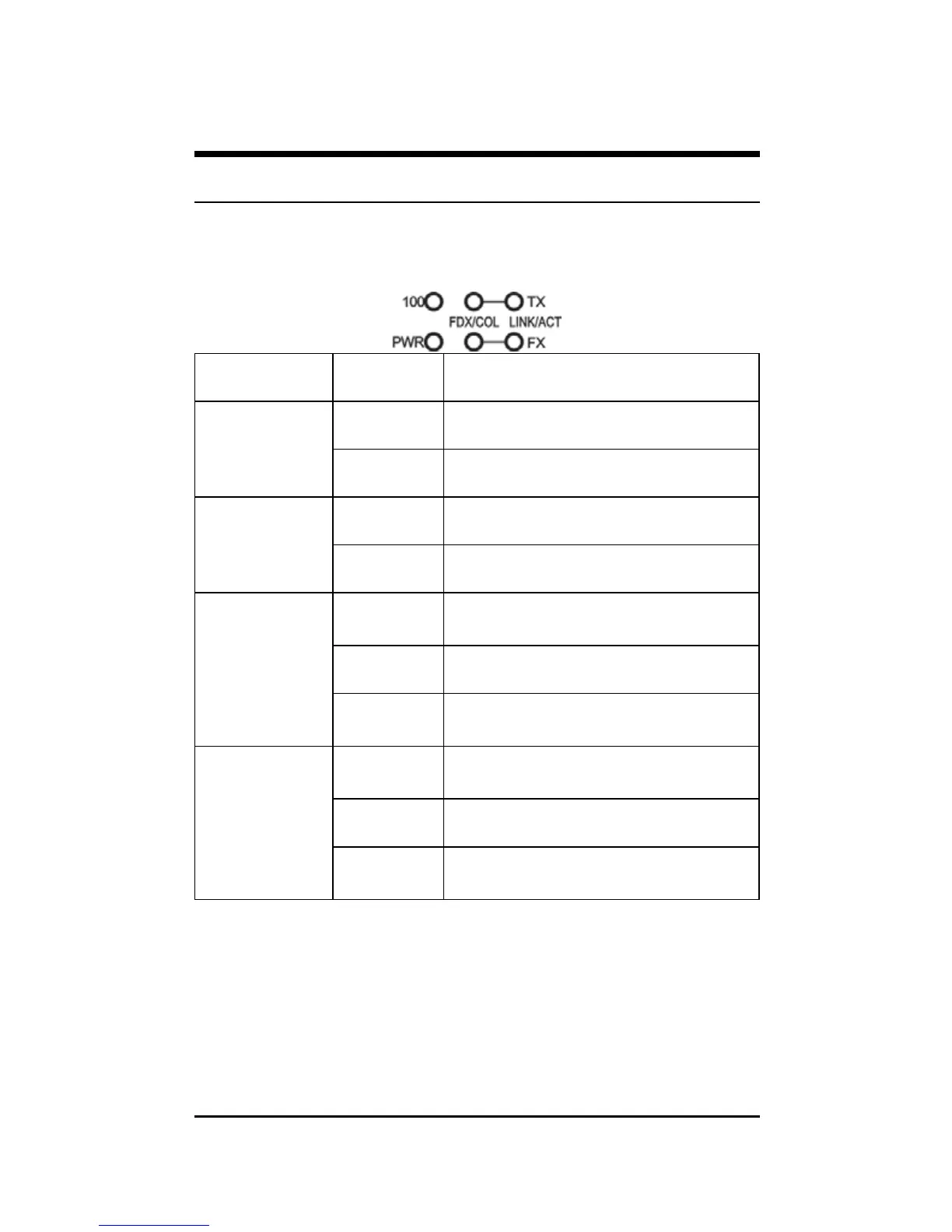
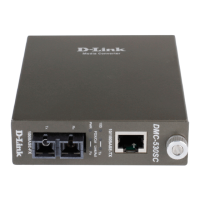
LED Indicator
The LED indicators give you instant feedback on status of the
converter:
LEDs State Indication
Steady Power on
Power
(PWR)
Off Power off
Steady Runs at 100Mbps on TX port
100 Mbps
(100)
Off Runs at 10Mbps on TX port
Steady
(FDX)
Connection in full duplex mode
FDX stands for FULL-DUPLEX
Lights off Connection in half duplex mode
TX Port (TX)
FX Port (FX)
FDX/COL
Blinking
(COL)
Data collision
Steady
(LINK)
A valid network connection
established
Lights off Not Linking
TX Port (TX)
FX Port (FX)
LINK/ACT
Blinking
(ACT)
Transmitting or receiving data
ACT stands for Activity
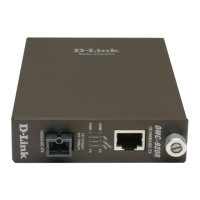
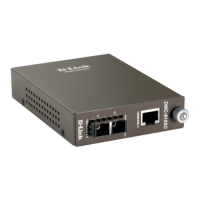
The optional Management Chassis that can control this Smart
Media Converter through the management system, this Smart
Media Converter can be controlled through Web Browser,
SNMP management utility and terminal emulation program.
6


 To Next Page