6D-Link DNS-343 Quick Install Guide
Conguration
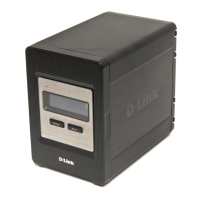
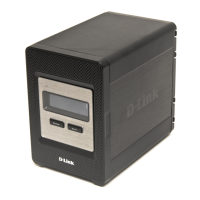
The DNS-343 network storage enclosure features an OLED
that enables the administrator to easily view information about the
DNS-343. The OLED screen displays information about the network connection
status and the number of hard drives installed and the bay ID’s they are
installed in. The OLED has three different screens:
System Information - This screen shows the following information:
• The hostname of the DNS-343
• Thermwareversion
• The IP address of the DNS-343
• The operating temperature
Hard Drive Status - This screen shows the following information:
• The percentage of space used on the hard drives
Server Status - This screen shows the following information:
• Whether a printer is connected to the unit
• The status of the UPNP server
• The status of the iTunes server
• The status of the FTP Server
Press the Next button once to alternate between the different Status
screens
Using the OLED











 To Next Page