8D-Link DNS-343 Quick Install Guide
Hardware Installation
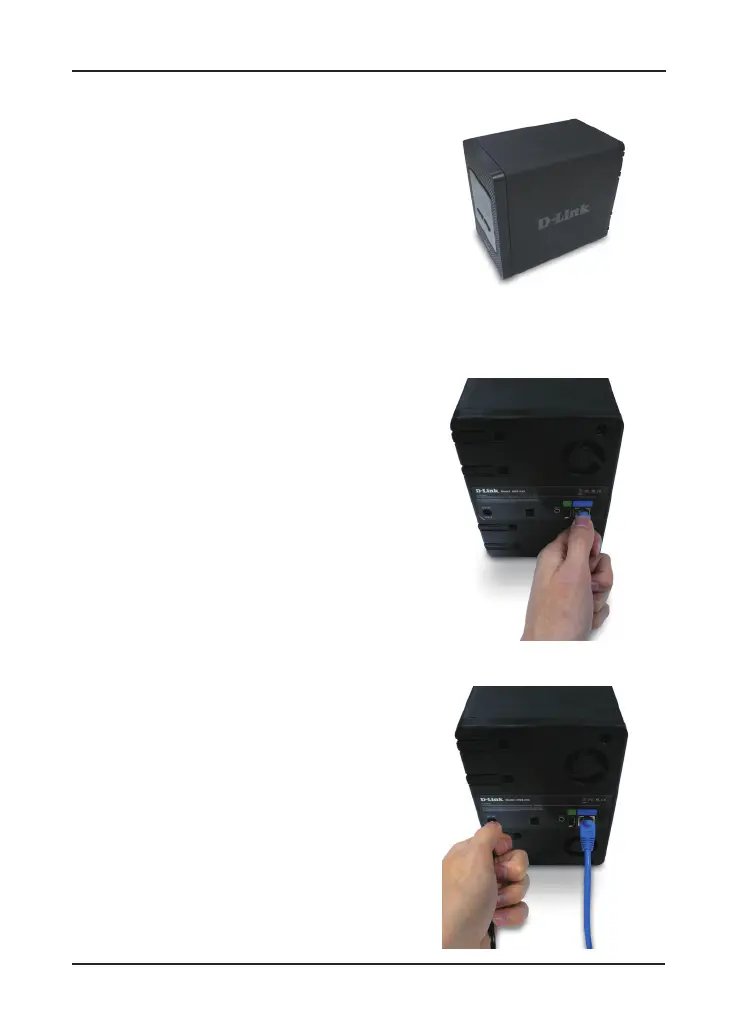
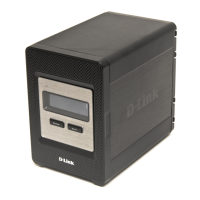
4. Attach the faceplate to the front of
the device.
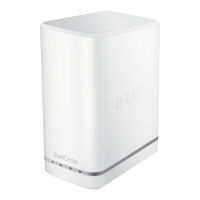
5. Connect an Ethernet cable into
the available Ethernet port.
This cable should connect the
DNS-343 to your local network
or directly to a computer for
conguration.
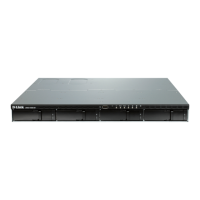
6. Finally, connect the supplied power
adapter to the power receptacle on
the back of the device.











 To Next Page