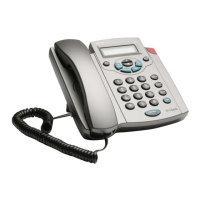
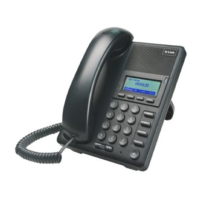
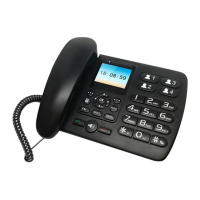
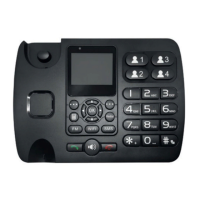
8D-Link DPH-400S(SE) Quick Install Guide
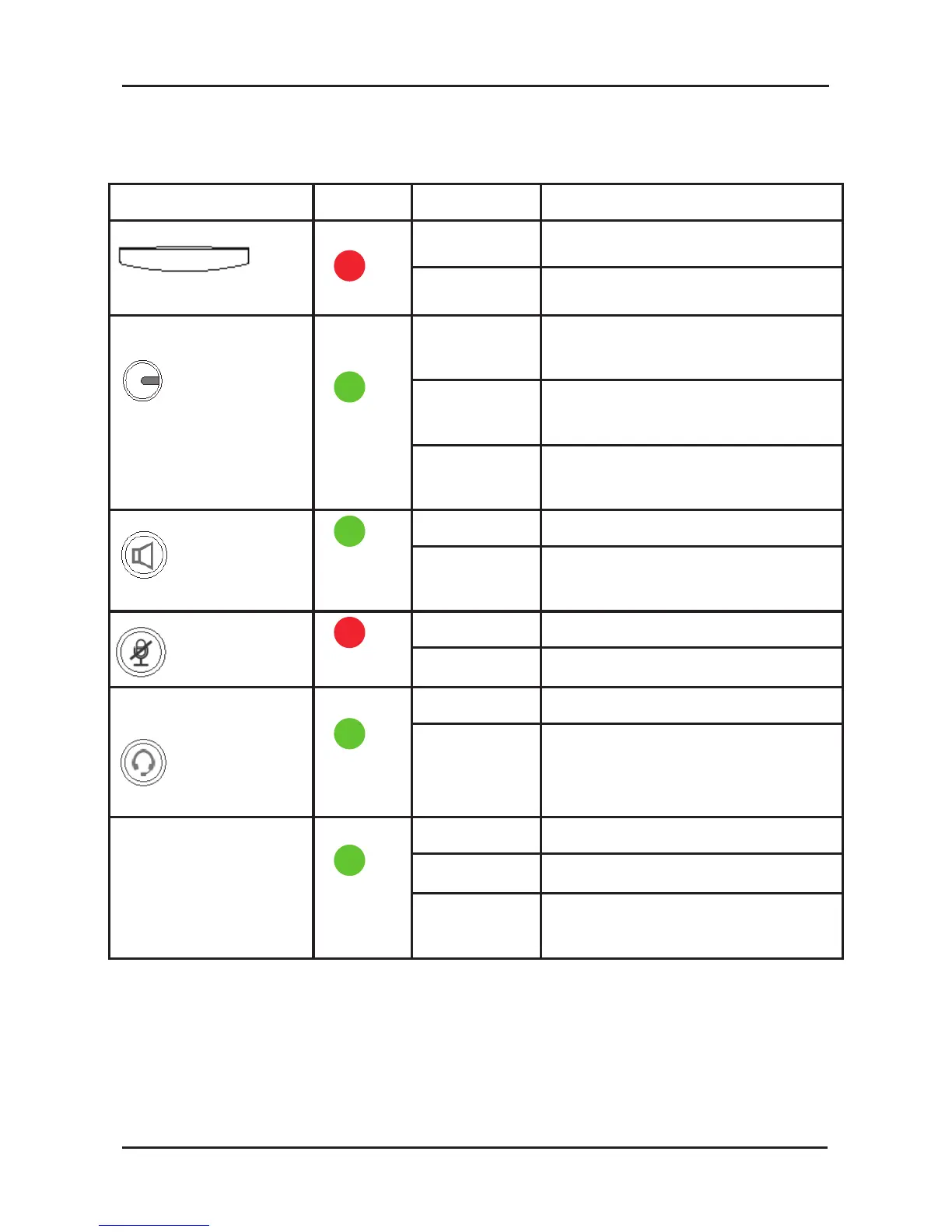
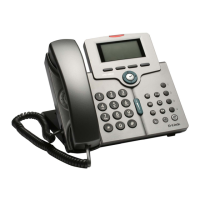
The table below denes the behaviours of different LEDs on the IP
Phone:
LED Color Status Description
Message Red
Off No new messages
Blinking New voice message
1,2,3,4
VoIP line keys Green
Off No active line. The phone
is on-hook
Solid When the line is active
(dialing or during a call)
Blinking Incoming call while you are
engaged in another call
Speaker key Green
Off The speaker is not in use
Solid While in on-hook dialing
mode or hands-free mode
Mute key Red
Off The phone is not muted
Solid The phone is muted
Headset key Green
Off The headset is not in use
Solid While in on-hook dialing
mode or hands-free mode
using a headset
All LEDs for
system status Green
Off In normal operation mode
Steady During system booting
Blinking When system booting failed
or critical error


 To Next Page