DSL-522T ADSL Router User Guide
Three Port Filter
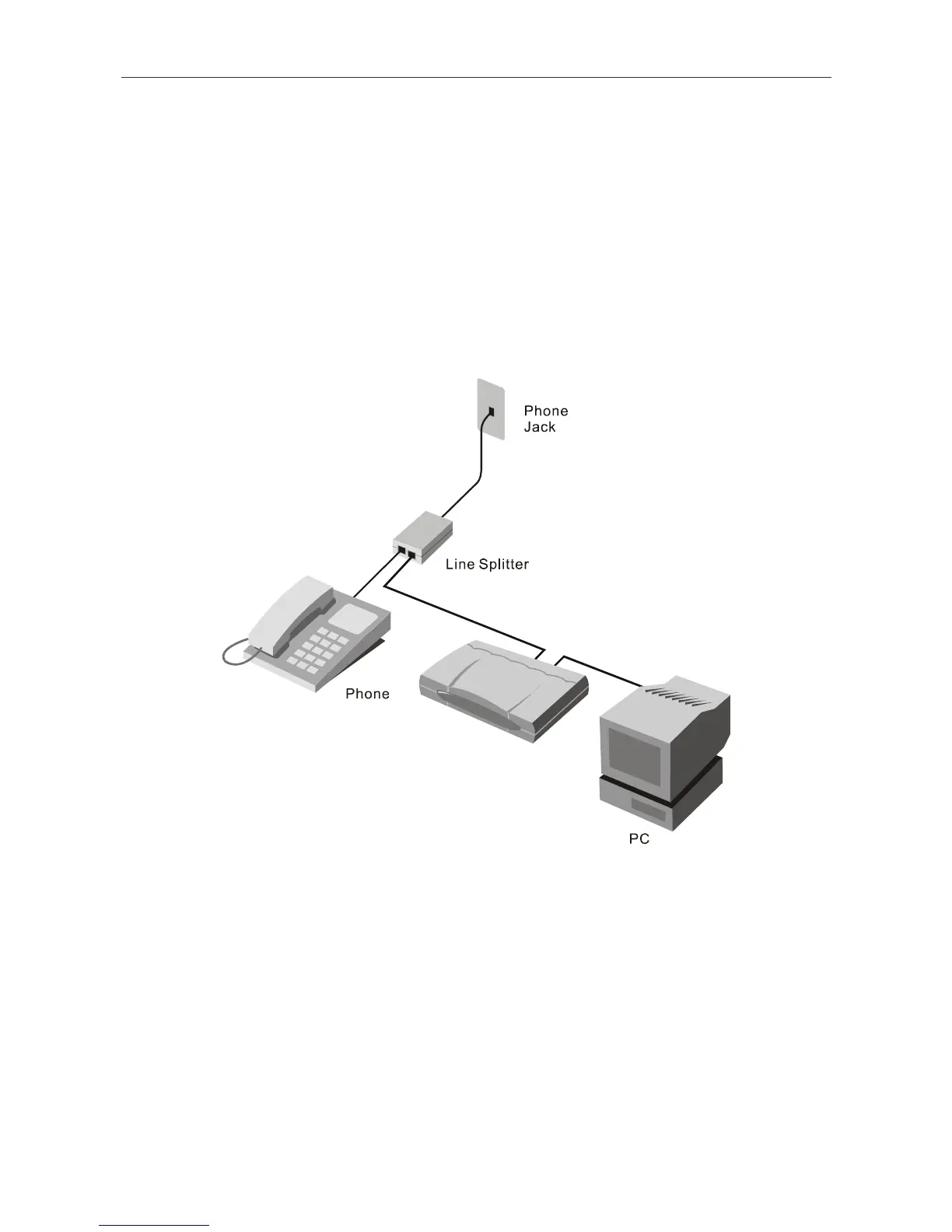
Another style of filter is installed at the same point where the Router connects to the telephone line. Only a
single filter is required. The connection ports are typically labeled as follows:
Line - This port connects to the wall jack.
ADSL – This port connects to the Router.
Phone – This port connects to a telephone or other telephone device.
The diagram below illustrates the proper use of this style of filter. Make certain the lines are properly
connected. If you are unable to hear a dial tone with the telephone, check the connections to make sure they
are securely attached and connected to the correct port.
ADSL Device
3-port Filter
81



 To Next Page