Installing the Drivers (continued)
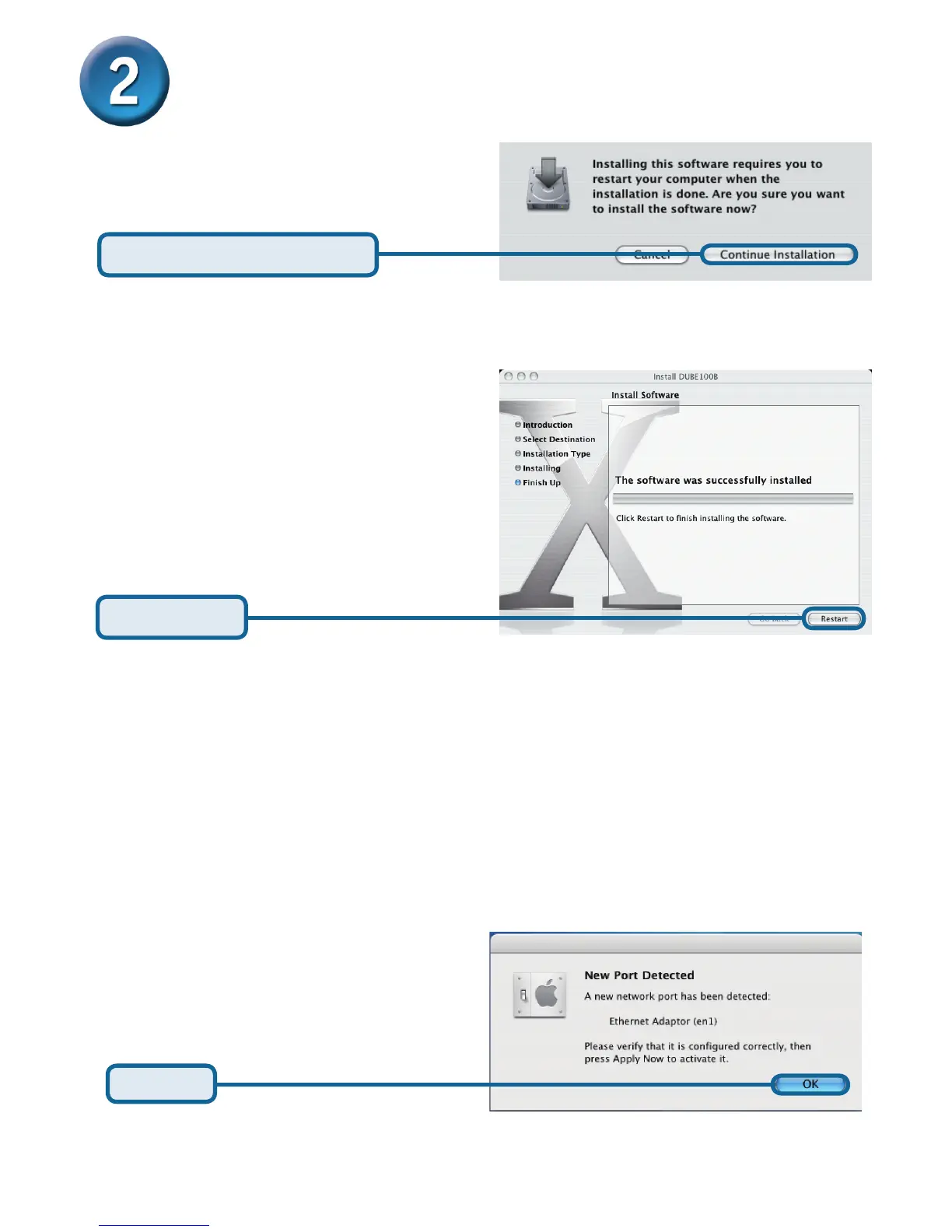
Click Continue Installation
Click Restart
Click OK
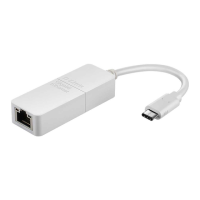
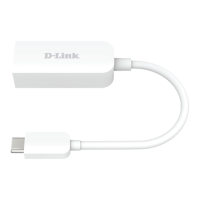
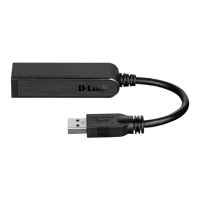
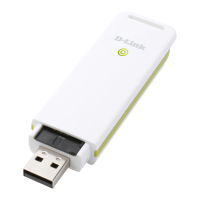
After the restart, plug the DUB-E100’s USB cable into an available USB port on your
computer. Then attach one end of an Ethernet cable to the Ethernet port on the DUB-E100
and the other end to your netwrok switch, hub or router.
Mac system will detect the new hardware and show the name of the adapter, e.g. Ethernet
Adapter (en1) in the example below .










 To Next Page