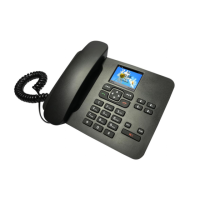
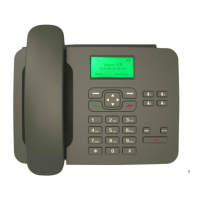
Press to go into the main menu in idle screen; Select/Ok in submenus
Scroll through the menu; Default shortcut to Contact List in idle screen
Scroll through the menu; Default shortcut to Call Logs in idle screen
Default shortcut to Messaging in idle screen
Default shortcut to Profiles in idle screen
In any menu you can go back to the last menu
Set M1 – M4 as quick dial contacts
End Call/
Power On/Off Key
Hold down for a few seconds to power on/off the phone; Press the end key to end
phone call or return back to idle screen
Shortcut access to SMS menu in idle screen
Press to call the last dialled phone number
Press to activate or deactivate hands free/ speaker mode
To enter numbers and characters


 To Next Page